Best L-Shaped Desk for Home Office & Small Rooms (2026)
L-shaped and corner desks for home office dual-monitor setups — depth, cable routing, and apartment-friendly picks that fit tight layouts.
Start with the criteria and table. Only open product pages after you know depth, noise, and budget limits. How we research.
Affiliate links may appear in this guide. Prices are approximate.
Bottom line for L-shaped desks
L-shaped desks win when you want dual monitors and paperwork without a 60″ straight desk blocking the room. SHW is the budget default. Bestier adds shelves when storage is tight. Casaottima reverses corners when your room layout is asymmetric.
Corner desks use dead space — but only if the corner has power, light, and a view that does not glare on screen. Measure the corner diagonally and chair clearance before buying.
Pair with a monitor arm on the long wing to free depth, and route cables down the inside corner where the two tops meet — our cable management guide covers trays and clips.
When an L-desk beats a straight desk
Choose L-shaped when you need separate zones — monitors on the long side, writing or sketch pad on the return, or printer off the main keyboard line.
Skip L-shaped when the corner has no outlet within 6 feet, or when a closet door swings across the return wing.
Standing L-desks exist but cost more and weigh more — most buyers in small rooms start with seated L-desks, then add a converter on the long wing if needed.
Dual monitor layout on corner desks
Put both screens on the long wing at arm's length — avoid splitting one monitor on each wing unless you turn your neck all day.
Use the return for laptop dock, notebook, or vertical document holder — not a second primary screen unless you are intentional about neck rotation.
Clamp monitor arms to the long wing only if the top is solid — particle L-desks often need grommet or freestanding risers instead of heavy clamp arms.
What mattered when comparing L-desks
We filtered for Amazon-available L-desks with verified dual-monitor use in reviews, reversible or storage options where small rooms need flexibility, and price bands under $250 for apartment budgets.
SHW is the volume leader for basic corner upgrades. Bestier and Casaottima differentiate on storage and reversible layout — the two features small rooms ask for most.
L-shaped desk mistakes in small rooms
Do not block HVAC returns with the inside corner — laptops thermal-throttle and you will roast in summer.
Avoid mounting heavy clamp arms on thin particle corners without reinforcement.
Do not forget chair mat on carpet — rolling casters wear apartment carpet fast.
Measure doorway — some L-desk cartons are long.
Corner geometry and monitor placement
L-desks tempt you to put the monitor in the corner bend. That saves depth but wraps your neck. Better: center the primary screen on one leg and use the return for references, printers, or analog tools.
Measure corner radius — some laminate tops have a tight inside curve that rejects clamp arms. Flat zones on each wing are easier for mounts.
Dual monitors often span the inner corner with a heavy arm; confirm the desktop thickness and grommet location before committing.
Cable paths on big surfaces
Longer runs hide along the rear spine of each wing. Use two trays if one central tray blocks knee space in the corner.
Power outlets on the wall behind the corner may be far from the PC. Plan a surge strip location before you bolt down a 70-inch top.
Chair clearance on both sides
Swivel between wings only if the inner corner is not obstructed by PC towers or drawers. A tower on the floor in the knee notch ruins the L-desk advantage.
Mat and chair casters should not bridge uneven seams between desk halves on budget kits — shim or bolt firmly to avoid flex.
When an L-desk is too much
Studio apartments under 200 sq ft may lose wall space to an L footprint without gaining usable depth. A straight 60-inch desk plus a shallow side table can flex better.
If you only need ‘more width’ for one monitor and a laptop, a desk riser or monitor arm solves it without corner furniture logistics.
Apartment corner fit sizing
Measure both wings plus the inside corner radius before you click buy. A 70-inch L-top in a 10-foot-wide room can block HVAC returns and closet swing paths. Draw the footprint in tape on the floor for one day of normal traffic.
Door clearance matters when the desk ships in two cartons but assembles into an immovable corner. Walk the boxes from curb to room, then imagine returning the top alone — some flats make returns harder than delivery.
Monitor arms on the inner corner concentrate torque on a thin junction. If the laminate seam is hollow, prefer a screen centered on one straight wing and use the return for analog tools, printers, or a plant — not the heaviest VESA load.
Return-window traffic flow test
Live with taped footprint for three days: roll your chair between wings, open closet doors, and walk roommate paths with groceries. L-desks that fit on paper often block the only outlet behind the corner post — plan surge strip placement before bolts tighten.
Cable runs on big tops hide until you sit — knee clearance in the inner notch fails when a PC tower or drawer pedestal occupies the void. Who should skip L-desks: studios under 180 sq ft, renters who move yearly, and anyone who needs only one monitor plus laptop depth.
Assembly alone in walk-ups means you may not tighten cross-braces evenly — wobble at the seam appears week two. Return-window typing test on both wings; if the junction flexes, shim or return before you drill grommets. Size each wing for your longest cable reach to wall outlets, not catalog photos with invisible extension cords.
Printer and paper on the return wing
The short wing of an L-desk tempts you to stack printer, inbox, and coffee on the inside corner. That blocks chair swivel and puts paper dust near the keyboard. Better: printer on a low stand on the return wing with the active keyboard zone on the long straight span.
Paper workflows need reachable distance — arm’s length for daily inbox, walk-and-grab for weekly files. Deep corner piles become invisible within three days. A vertical file sorter on the return wing keeps labels visible without claiming keyboard depth.
Cable runs to a corner printer fight knee clearance. Route printer power down the rear spine of the return wing, not across the inner notch where your feet pivot. Label the outlet on the strip before you zip-tie.
Who should skip L geometry for paper: fully digital workers with no print step, and rooms where the return wing faces a window that glare-bakes the printer display. A straight desk plus rolling cart for print days flexes better.
Walk-up assembly mistakes to avoid
Single-person assembly on particleboard L-tops often leaves the inner seam slightly gapped. Tighten cross-braces in stages — snug all bolts finger-tight first, then torque in a star pattern. Uneven torque causes week-two flex when you lean on one wing during calls.
Do not fully tighten leg levelers until both wings are square and the seam meets flush. Leveling one leg first locks a twist into the joint that wobble tests miss until you type on the far corner.
Grommet holes drilled in the wrong wing are permanent regrets. Mark monitor, PC, and power paths with tape for one workday before you drill. The corner post hides outlets you assumed were on the long wall.
Returns on assembled L-tops are logistics nightmares — measure door frames and elevator depth before you open both cartons. If the long wing cannot turn on your landing, confirm disassembly returns policy before you bolt.
Side-by-side comparison
| Feature | SHW L-desk | Bestier L-desk | Casaottima L-desk |
|---|---|---|---|
| Typical price | $120 – $180 | $150 – $220 | $130 – $200 |
| Monitor capacity | Dual 24 – 27″ | Dual + shelf storage | Dual + reversible layout |
| Assembly | 2 – 3 hours | 2 – 4 hours | 2 – 3 hours |
| Best if you… | Budget corner upgrade | Need shelves built in | Corner orientation flexible |
Picks that match the criteria above
These products illustrate the criteria above — they are not a mandatory shopping list. Skip any pick that fails your desk depth, budget, noise limits, or return logistics.
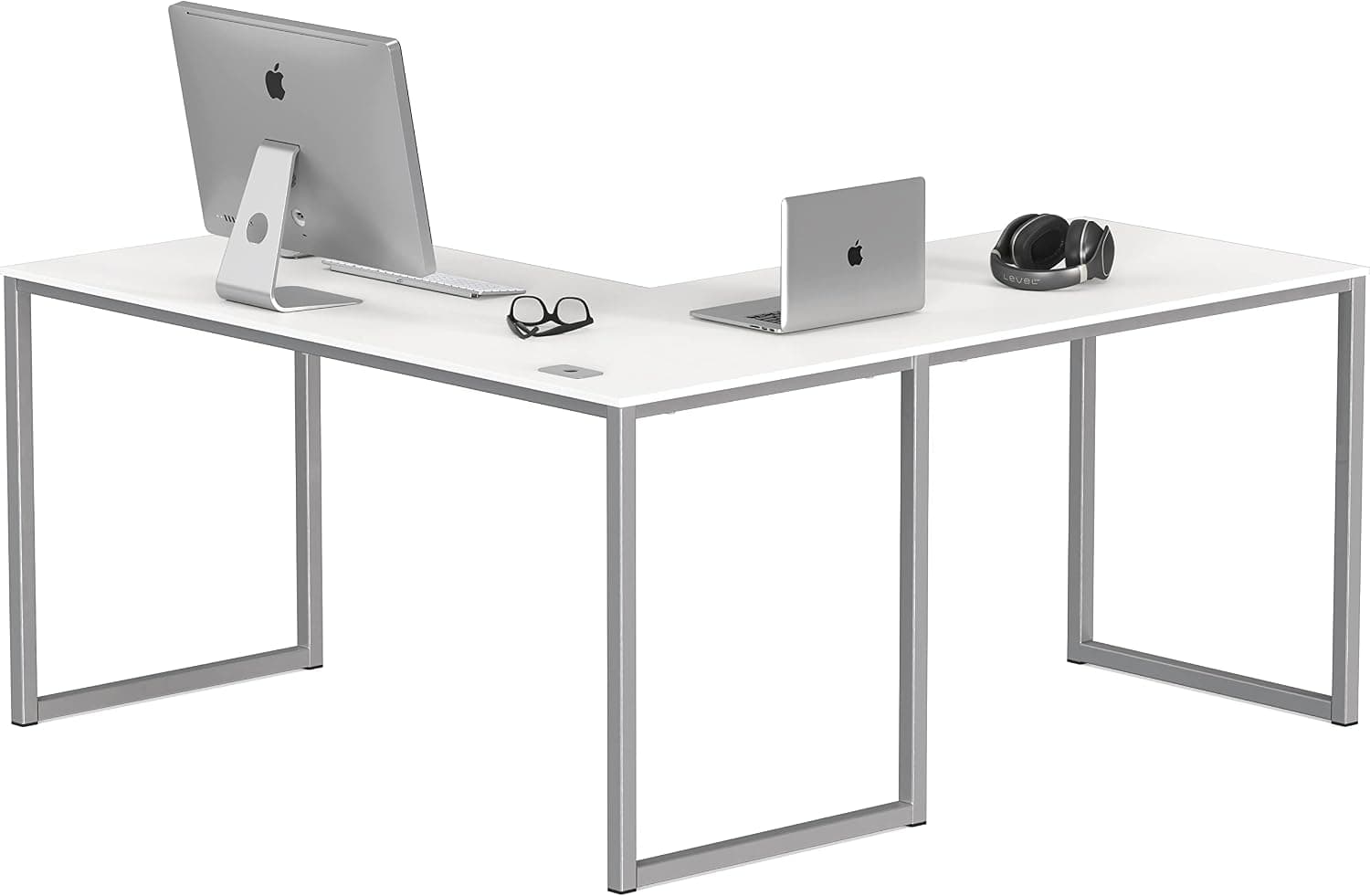
Best overallA widely sold corner desk with enough length for dual monitors on the long side and a printer or notebook stack on the return — the entry L-desk for renters who outgrew a straight 47″ table.
Best for: Remote workers who need corner surface area without custom built-ins.
- +Corner footprint uses dead space efficiently
- +Enough room for dual monitors on long wing
- +Low price vs solid wood custom desks
- −Particle board — avoid excessive clamp force on edges
- −Cable management is DIY
 Best with storage
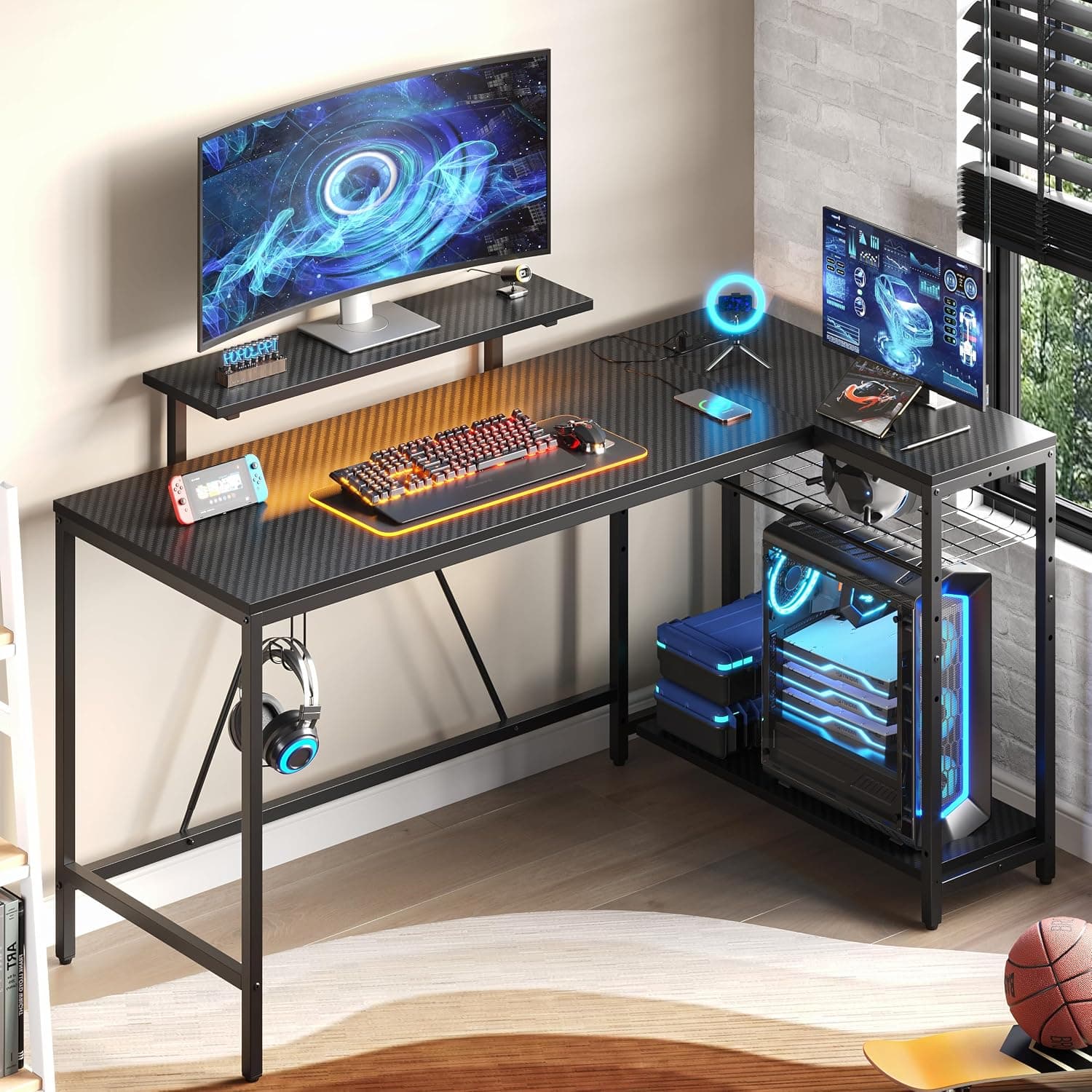
An L-desk with integrated shelves and drawers — reduces the pile of boxes and books that otherwise ends up on the only clear corner of a spare bedroom office.
Best for: Small home offices that need storage in the same footprint as the desk.
- +Built-in shelving cuts separate bookcase clutter
- +Multiple finish options for video backgrounds
- +Corner layout for dual-monitor workflows
- −Heavier boxes — two-person assembly recommended
- −Fixed layout — measure corner before ordering
 Best reversible
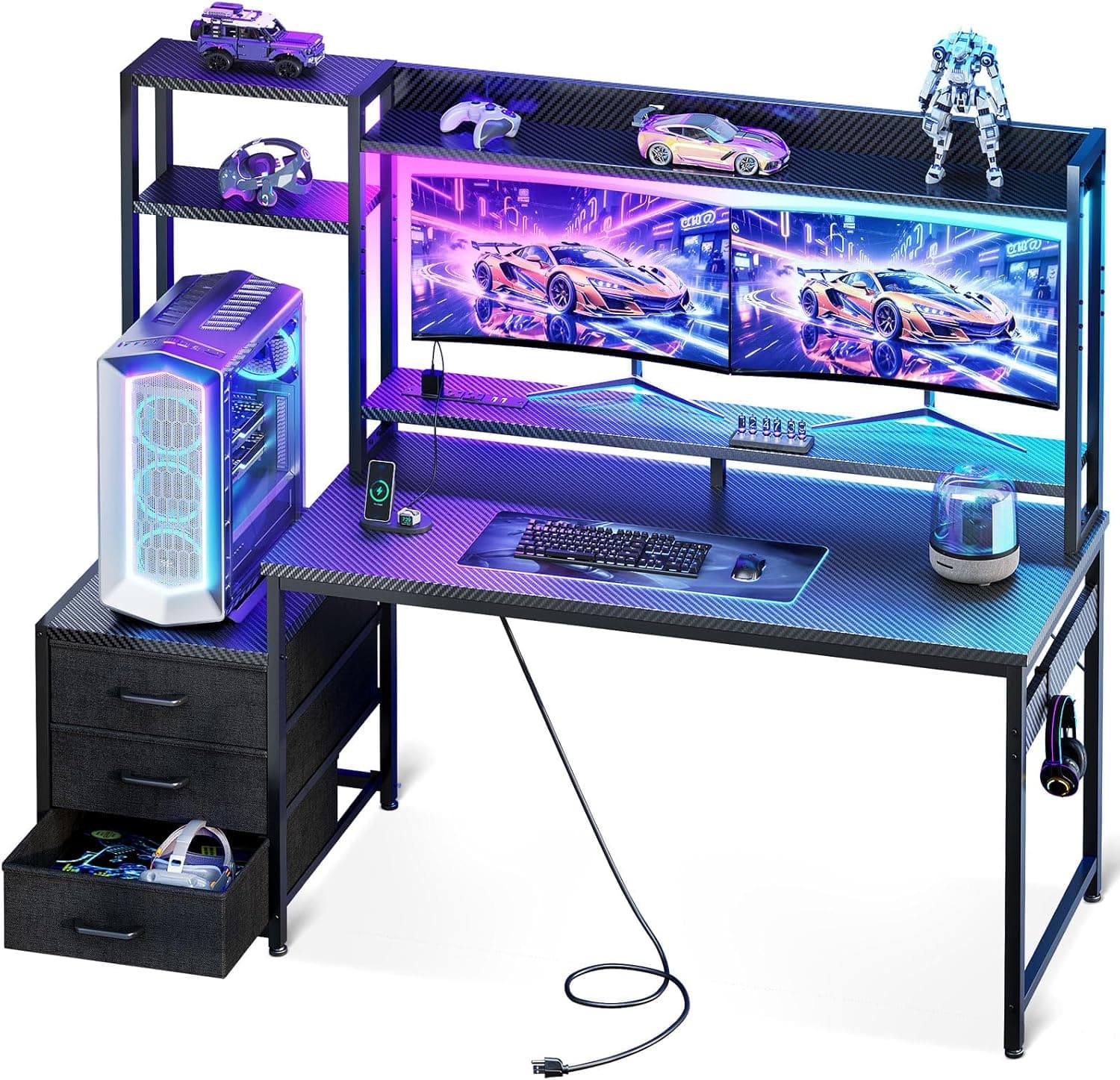
A reversible L-desk you can configure with the long wing on left or right — critical when HVAC vents, windows, or closet doors dictate which corner is actually usable.
Best for: Rooms where corner orientation is awkward and return direction must flip.
- +Reversible long side fits more room layouts
- +Corner surface for laptop + monitor split
- +Competitive price vs one-orientation competitors
- −Instructions matter — lay out panels before tightening
- −Not standing-height — seated desk category
The verdict
Corner home offices should start with SHW for the best budget L-layout, Bestier when shelves must live in the desk, and Casaottima when the long wing must flip to fit your room. Measure power and door swing first — the best L-desk is the one that fits the corner you actually have.
Advertisement
Ad placement activates after cookie consent.
FAQ
L-shaped desk or two straight desks?+
L-shaped for one person in a corner — cleaner cable path and one chair zone. Two straights only if two people share the room or you need separation for crafting plus computing.
What size L-desk for dual monitors?+
Long wing of 47–59″ with 20–24″ depth usually fits dual 27″ monitors on risers or a light arm. Measure monitor width with bezels before buying.
Can I put a standing desk in a corner?+
Yes — electric corner standing desks exist at premium prices. Budget path: seated L-desk plus converter on the long wing, or our standing desk for small spaces guide for full electric frames.
Particle board L-desk durability?+
Fine for keyboard and monitor weight if assembled tightly and kept dry. Avoid heavy leaning, clamp over-tightening, and steam from humidifiers directly on surface.
Related guides
Keep reading
Published 2026-07-08 · Updated 2026-07-26