Best mechanical keyboard for office work in 2026
Quiet, comfortable mechanical keyboards for remote work — switch types, layout size, and picks that will not annoy coworkers on Zoom.
Read the criteria and trade-offs first. Product picks come after so you can skip anything that fails your desk, room, or return window. How we research.
Some links may earn a commission at no extra cost to you. Prices are approximate and may change.
Bottom line for office mechanical keyboards
For most remote workers, a mechanical keyboard is worth it when you type more than three hours daily and your laptop keyboard feels mushy or cramped. Buy the Keychron V3 Ultra TKL if you want wireless flexibility and hot-swap switches. Choose the Q1 Max if typing is central to your job and you want a denser, quieter-feeling build. Pick the C3 Pro if you want to try mechanical switches under $100 at a dedicated desk.
Office work adds constraints gaming guides ignore: Zoom calls, shared walls, and shallow desks. Avoid clicky blue switches in open rooms. Prefer tactile browns or silent tactile variants. Tenkeyless or 75% layouts usually fit home offices better than full-size boards with number pads you use twice a week.
A mechanical keyboard does not fix wrist pain alone — desk height, chair, and mouse position still matter. Pair any board with our guides on ergonomic mice and desk mats if you are optimizing for all-day comfort.
Why mechanical keyboards help office work (and when they do not)
Mechanical switches actuate at a consistent point with tactile feedback — you feel the key register before bottoming out. That reduces accidental key presses and the "did it type?" hesitation that slows fast typists on laptop scissor keys.
Separate switches per key also mean better durability. Quality mechanical switches are rated for tens of millions of presses. A laptop keyboard that feels fine year one can develop mushy keys by year three.
The case against mechanical for office: noise and cost. Clicky switches travel through microphones. Cheap mechanical boards can sound hollow and sharp. If your primary concern is silence on client calls, a scissor-switch board like Logitech MX Keys may beat a loud mechanical — we cover that honestly in the FAQ.
Switch types for WFH — not all mechanical is loud
Linear (red): smooth press, no bump. Quietest mechanical category but easy to bottom-out loudly if you hammer keys. Fine for private offices; risky on open-mic calls if you type while unmuted.
Tactile (brown): a bump you feel without a sharp click. The default office mechanical compromise. Stock browns on Keychron boards are moderate volume — not silent, but usually acceptable if you mute during calls.
Clicky (blue): audible click on each press. Skip for WFH unless you work alone with door closed and never hot-mic.
Silent tactile (e.g. Boba U4, silent brown variants): best when coworkers or family hear your desk. Hot-swap boards like the V3 Ultra TKL and Q1 Max let you swap switches without buying a new keyboard.
Layout: TKL, 75%, or full-size?
Full-size with number pad: best for finance, data entry, and spreadsheet-heavy roles. Needs more desk depth — often 30 inches or more comfortable width.
TKL (tenkeyless, 87 keys): drops the numpad, keeps function row and arrows. Fits 24-inch-deep desks common in apartments. The V3 Ultra TKL and C3 Pro use this layout.
75% (Q1 Max): compacts further by merging keys — saves width while keeping a knob and F-row. Great for tight desks; allow a week to relearn key positions.
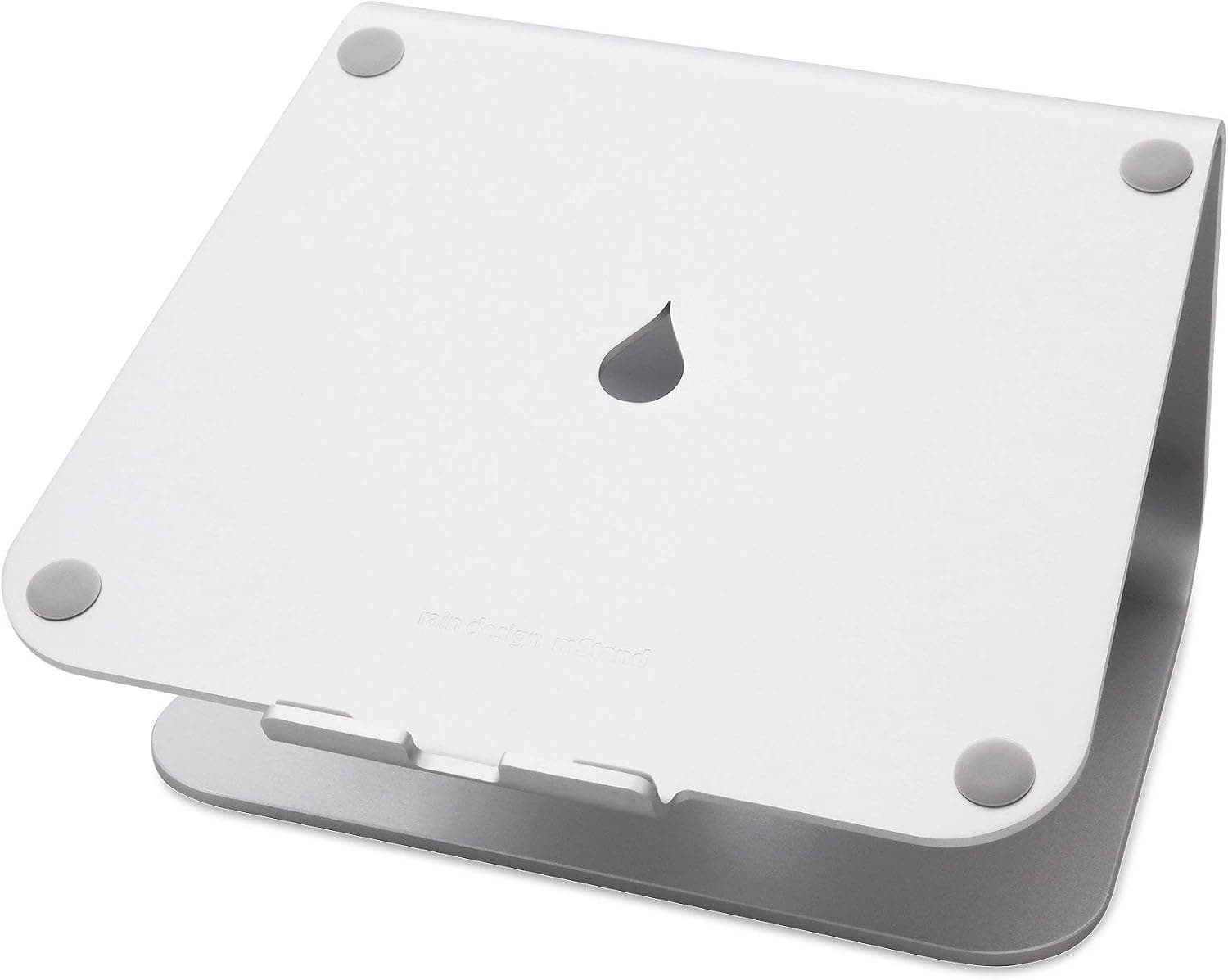
If you use a laptop stand with external keyboard, measure clearance between stand legs and keyboard — TKL boards often fit where full-size will not.
Wireless vs wired for a home office
Wired (C3 Pro): zero latency concerns, no charging, one less battery to forget. Best for a keyboard that never leaves the desk.
2.4 GHz dongle (V3 Ultra TKL, Q1 Max): low latency for daily typing — preferable to Bluetooth for primary machine.
Bluetooth: useful for switching to iPad or second laptop. Pair the V3 Ultra TKL via dongle to work laptop and Bluetooth to personal device if you hot-desk at home.
Cable management: even wireless boards need a USB-C cable for charging. Route through the same tray as mouse and webcam cables — see our cable management guide.
What mattered when comparing mechanical boards
We skipped RGB-heavy gaming brands with loud clicky defaults and non-standard software. Each pick supports Mac and Windows, appears on Amazon with stable ASINs, and has enough community review volume to trust build quality.
Keychron V3 Ultra TKL aligns with current editorial favorites (including Wirecutter-style value picks) for hot-swap wireless boards. Q1 Max represents the premium aluminum tier without jumping to $300+ custom kits. C3 Pro is the sub-$100 wired on-ramp with QMK — rare at that price.
We excluded optical/mechanical hybrids and keyboards requiring desktop apps that break on corporate-locked laptops.
Mechanical keyboard mistakes at work
Do not buy clicky switches for shared apartments or call-heavy days — mute button discipline is not enough.
Avoid full-size boards on 20-inch-deep desks — you will push the mouse off the edge or sit too far from the monitor.
Do not expect mechanical alone to fix RSI — add breaks, desk height check, and consider a wrist rest only after neutral wrist posture is set.
Skip $25 "mechanical-feeling" membrane boards — they borrow marketing language without individual switches.
If your employer provides a laptop only, confirm USB ports or hub capacity before buying wired boards.
Short answers below — use them only if the criteria above already match your constraints.
Quick picks
Best overall
Keychron V3 Ultra TKL
Wireless tri-mode, gasket mount, and hot-swap — the office mech most people should buy first.
Best premium
Keychron Q1 Max
Full-metal build and heavy damping for typists who want a quieter, more solid feel.
Best budget
Keychron C3 Pro
Wired TKL with QMK/VIA under $100 — no battery anxiety, still a real mechanical board.
Our top picks
These products illustrate the criteria above — they are not a mandatory shopping list. Skip any pick that fails your desk depth, budget, noise limits, or return logistics.
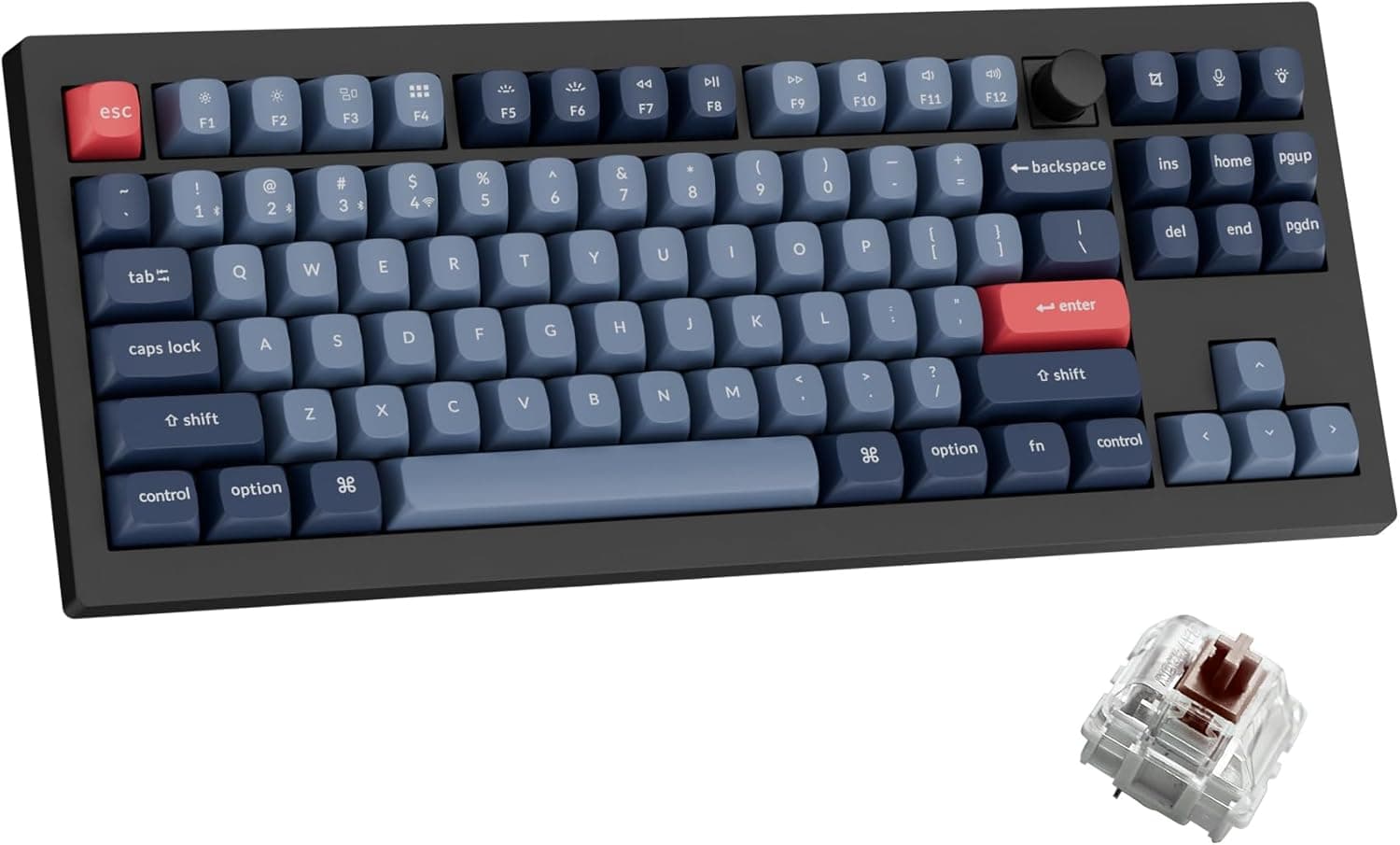
Best overallA tenkeyless gasket-mount keyboard with 2.4 GHz, Bluetooth, and wired modes — the default office mechanical upgrade when you want hot-swap flexibility, Mac/Windows keycaps in the box, and a layout that leaves room for mouse movement on a 24-inch-deep desk.
Best for: Remote workers who split time between a work laptop and personal Mac or PC and want one quiet-ish mechanical board on the desk.
- +Tri-mode wireless — dongle for low latency, Bluetooth for tablet/phone
- +Hot-swappable switches — swap to silent tactile without soldering
- +Gasket mount + foam dampening softer than cheap clicky boards
- +QMK/VIA programmability for macros without bloated software
- −TKL means no number pad — add a numpad if you live in spreadsheets
- −Stock Gateron browns are not silent — budget for silent switch swap if on calls all day
- −RGB is bright by default — dim or turn off for video calls
 Best premium
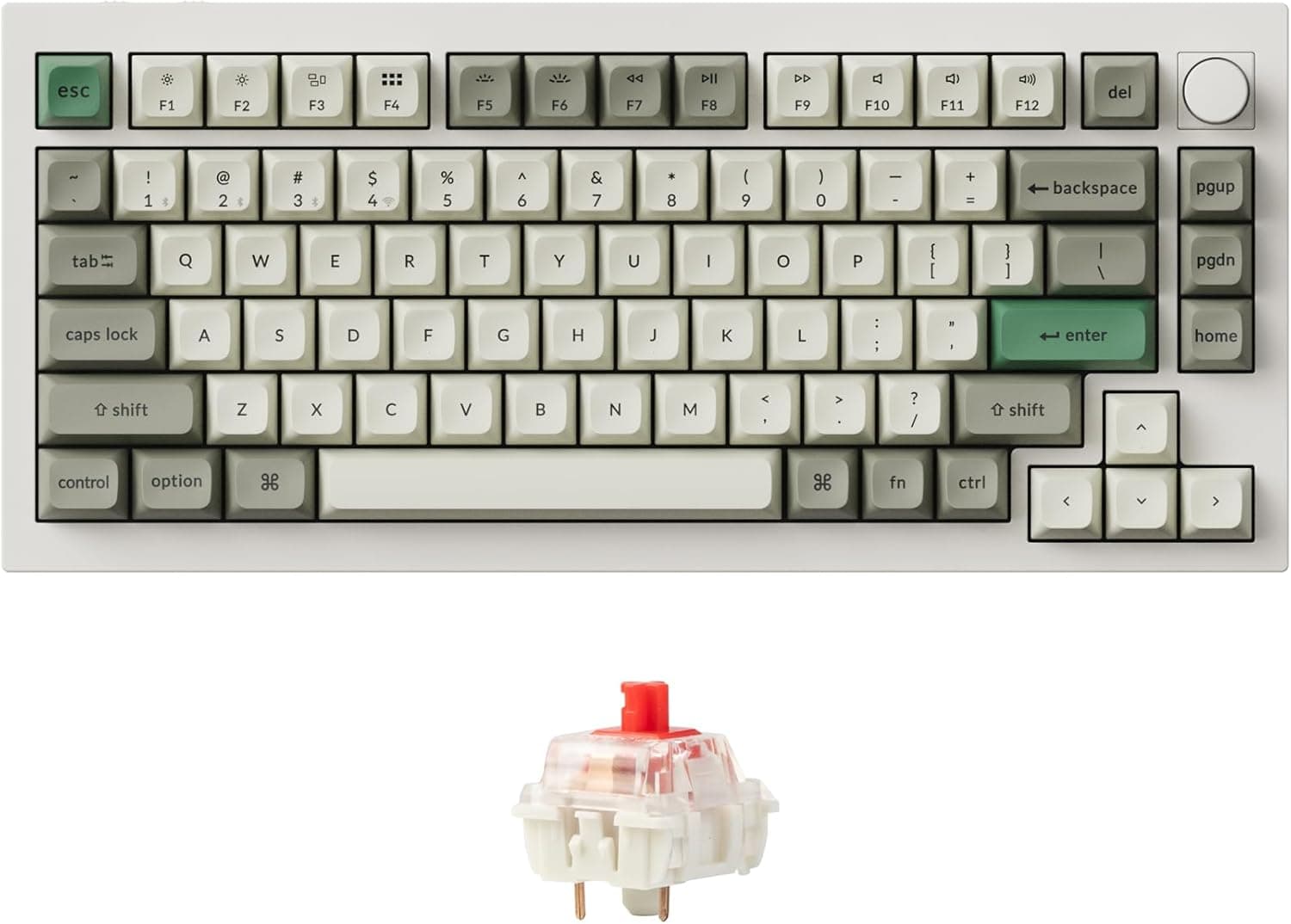
A full-aluminum 75% board with double-gasket damping, screw-in stabilizers, and the same tri-mode connectivity as the V3 Ultra TKL — the upgrade when typing feel and build quality matter more than saving $80, and you want a compact layout with a volume knob for quick mute during calls.
Best for: Heavy typists, developers, and writers who treat the keyboard as primary tooling and sit at the desk six or more hours daily.
- +Metal case and heavy damping — less hollow ping than plastic boards
- +75% layout keeps F-row and arrows while saving desk width
- +Rotary knob doubles as quick volume/mute control
- +1000 Hz polling on 2.4 GHz and wired for responsive typing
- −Heavier and pricier — overkill if you type under two hours daily
- −75% layout has a learning curve vs full-size
- −Premium price does not include silent switches — still pick tactiles wisely
 Best budget
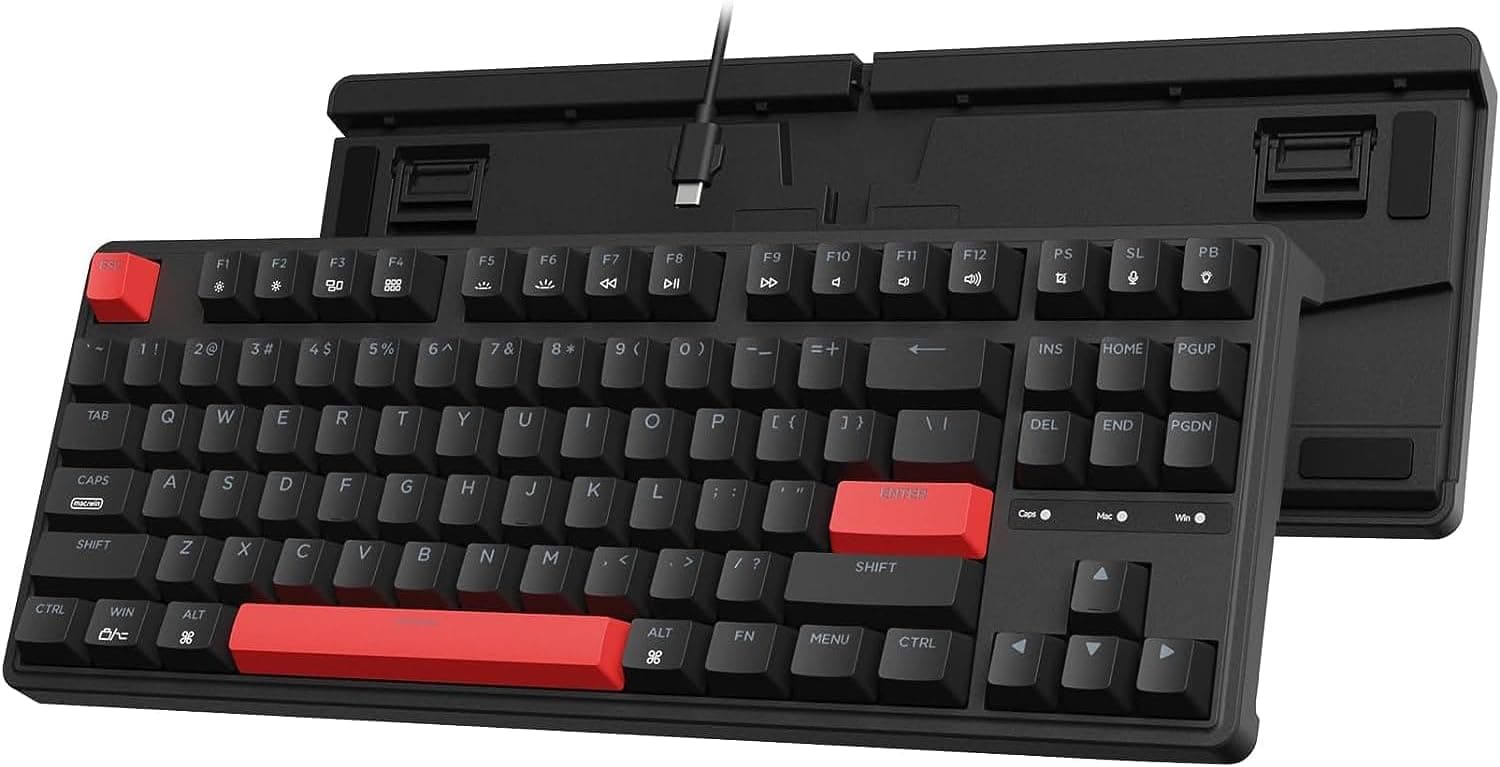
A wired TKL with gasket mount, QMK/VIA support, and brown tactile switches at a price that undercuts most "gaming" keyboards while delivering actual programmability — the honest entry point when you want mechanical feel without wireless complexity or $200 spend.
Best for: First-time mechanical keyboard buyers on a budget who work at a fixed desk and do not need Bluetooth.
- +Lowest cost path to QMK/VIA and gasket typing feel
- +Wired USB-C — no battery, no dongle, no pairing issues
- +TKL frees desk space for mouse and notepad
- +Mac and Windows keycaps included
- −Not hot-swappable — choose switch variant carefully at purchase
- −Wired only — not ideal if you frequently clear the desk
- −No wireless backup if your USB hub is already crowded
Side-by-side comparison
| Feature | Keychron V3 Ultra TKL | Keychron Q1 Max | Keychron C3 Pro |
|---|---|---|---|
| Typical price | $110 – $130 | $190 – $220 | $65 – $85 |
| Connectivity | 2.4 GHz + Bluetooth + USB-C | 2.4 GHz + Bluetooth + USB-C | USB-C wired only |
| Layout | TKL (87 keys) | 75% compact | TKL (87 keys) |
| Hot-swappable | Yes | Yes | No (switch variant at purchase) |
| Office noise level | Moderate with brown/tactile | Lower with gasket + foam | Moderate with brown tactile |
| Best if you… | Want one keyboard for Mac + PC | Type 6+ hours and want premium feel | Need cheapest real mech upgrade |
The verdict
Office mechanical keyboards should be quiet enough for calls, small enough for apartment desks, and reliable enough for daily work. Start with the Keychron V3 Ultra TKL for wireless and hot-swap flexibility. Upgrade to the Q1 Max if typing is your core tool. Choose the C3 Pro if you want to test mechanical feel cheaply at a fixed desk — then swap switches or boards once you know what you like.
Advertisement
Ad placement activates after cookie consent.
FAQ
Are mechanical keyboards too loud for Zoom calls?+
Clicky switches often are. Tactile browns are usually fine when muted. Silent tactile switches on hot-swap boards are the best mechanical option for call-heavy roles. If silence is the top priority, a scissor-switch board like Logitech MX Keys may be safer than any mechanical with stock switches.
Mechanical keyboard or ergonomic split keyboard?+
Split ergonomic boards (e.g. Ergo Dox style) help shoulder width and wrist angle issues mechanical TKL boards do not address. If pain is central, consider ergonomic layout first. If the issue is typing feel and fatigue on a laptop keyboard, a standard mechanical TKL is the simpler upgrade.
Do I need a wrist rest with a mechanical keyboard?+
Only if your desk height is correct and wrists still hover. Many typists float wrists — rests are optional, not mandatory. Low-profile boards reduce extension; see our wrist rest guide after desk and chair height are sorted.
Will my employer's IT department block a mechanical keyboard?+
USB and Bluetooth HID keyboards generally work as plug-and-play input devices without admin rights. Avoid keyboards that require proprietary drivers for basic typing. QMK/VIA configuration uses a browser and does not affect corporate security software for normal use.
Mechanical keyboard vs laptop keyboard on a stand?+
Always use external keyboard when the laptop is raised — internal keyboard at elbow height forces bad wrist angles. A TKL mechanical board plus stand is one of the highest-impact posture upgrades for MacBook-heavy setups.
Related guides
Keep reading

Published 2026-07-09