Best Microphone for Video Calls & Zoom (2026)
USB microphones for Zoom, Teams, and Google Meet — clear voice on calls, small-desk picks, and when your laptop mic is good enough.
Start with the criteria and table. Only open product pages after you know depth, noise, and budget limits. How we research.
Some links may earn a commission at no extra cost to you. Prices are approximate and may change.
Bottom line for call microphones
Most bad audio on video calls is placement and room noise, not missing a $300 mic. Move any external mic 6–12 inches from your mouth, slightly off-axis from the keyboard, and away from the laptop fan. If you still sound thin or distant after that, upgrade.
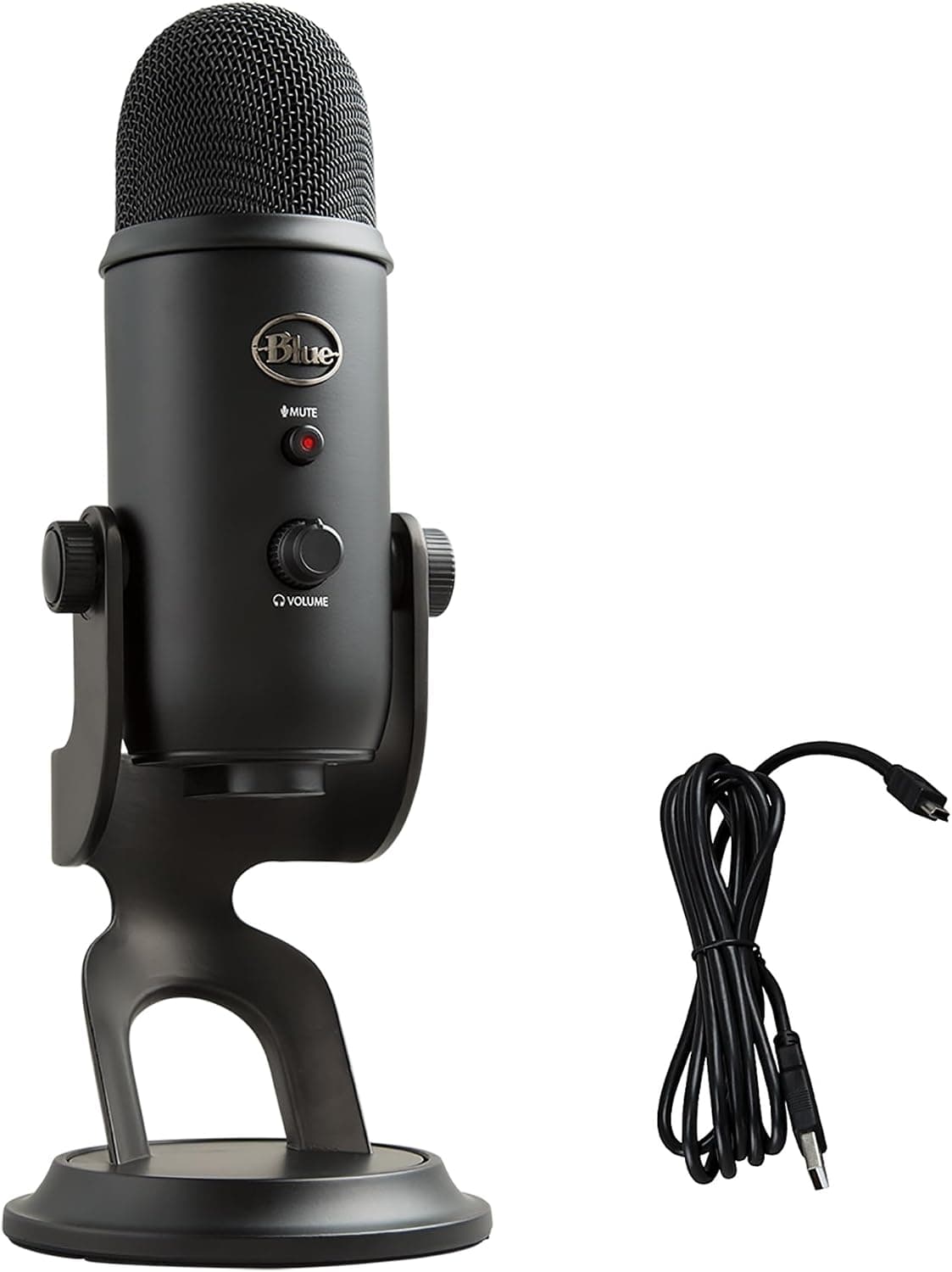
For daily Zoom and Teams users, the Logitech Blue Yeti in cardioid mode is the default desk pick — omnidirectional when two people share one laptop. The HyperX SoloCast fits small desks with tap-to-mute. The FIFINE K669B is the budget floor when a laptop mic is no longer acceptable.
Fix lighting and camera angle first if the complaint is how you look. Fix the mic when people literally cannot understand words — or when keyboard clicks dominate every sentence.
When a separate mic beats your laptop
Laptop mics sit far from your mouth and often share a chassis with cooling fans. You sound distant, thin, and noisy — especially on Apple silicon MacBooks with aggressive fan curves during video encode.
USB headset mics work for back-to-back calls but fatigue ears and mess hair. A desk mic keeps you open to room awareness and looks cleaner on camera than a gaming headset.
Webcam mics are slightly better positioned but still fixed to the monitor. A desk mic or boom arm at mouth height delivers the biggest voice upgrade per dollar after basic lighting.
Skip XLR interfaces and podcast rigs unless you also record content. USB condensers are the right complexity for meeting-heavy WFH.
Cardioid vs omnidirectional for meetings
Cardioid picks up sound primarily from the front — best for solo calls when you sit alone at the desk. It rejects keyboard and mouse noise to the sides better than omnidirectional patterns.
Omnidirectional captures equally from all directions — useful when two people sit at one laptop for a client call, or when you move around a whiteboard on camera. The Blue Yeti's pattern switch covers both; SoloCast and FIFINE are cardioid-only.
Bidirectional and stereo modes on the Yeti matter for interviews and music, not typical Teams meetings. Default to cardioid for daily work.
Mechanical keyboards still leak through cardioid mics if the mic sits between you and the keys. Place the mic beside the monitor, use quieter switches, or mute when not speaking — see our mechanical keyboard guide for office-friendly switch picks.
Blue Yeti vs SoloCast vs FIFINE for video calls
Blue Yeti wins when calls are your job — multiple patterns, headphone monitoring, and hardware controls reduce friction across eight meetings a day. Mount it on a boom arm if the desk stand eats mouse space.
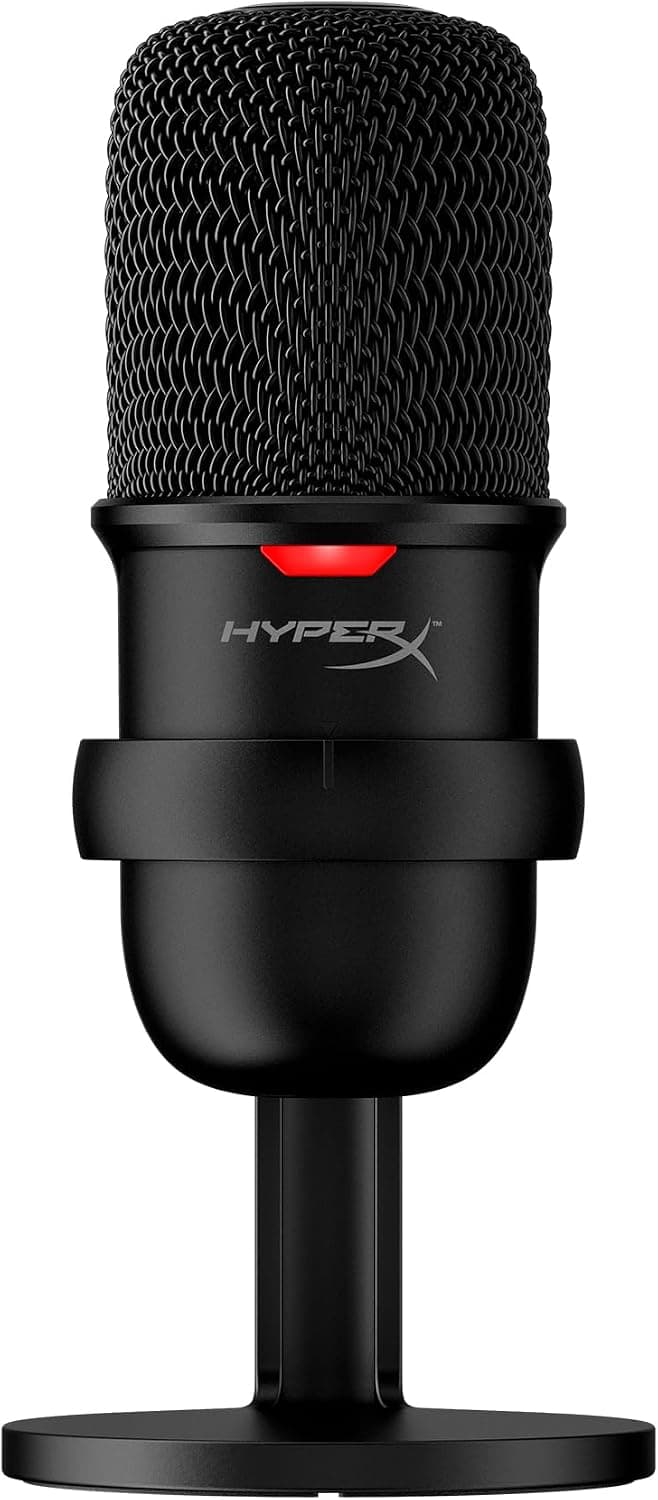
HyperX SoloCast wins on footprint and mute UX. Tap-to-mute before a doorbell or dog bark is faster than hunting the Zoom toolbar. Choose it when desk depth is under 20 inches or the mic must live on a monitor riser.
FIFINE K669B is the experiment mic — cheap enough to test whether external audio helps before spending on Yeti-tier gear. Elevate the tripod so the capsule sits near mouth level; a mic on the desk pointing at your chest sounds boomy.
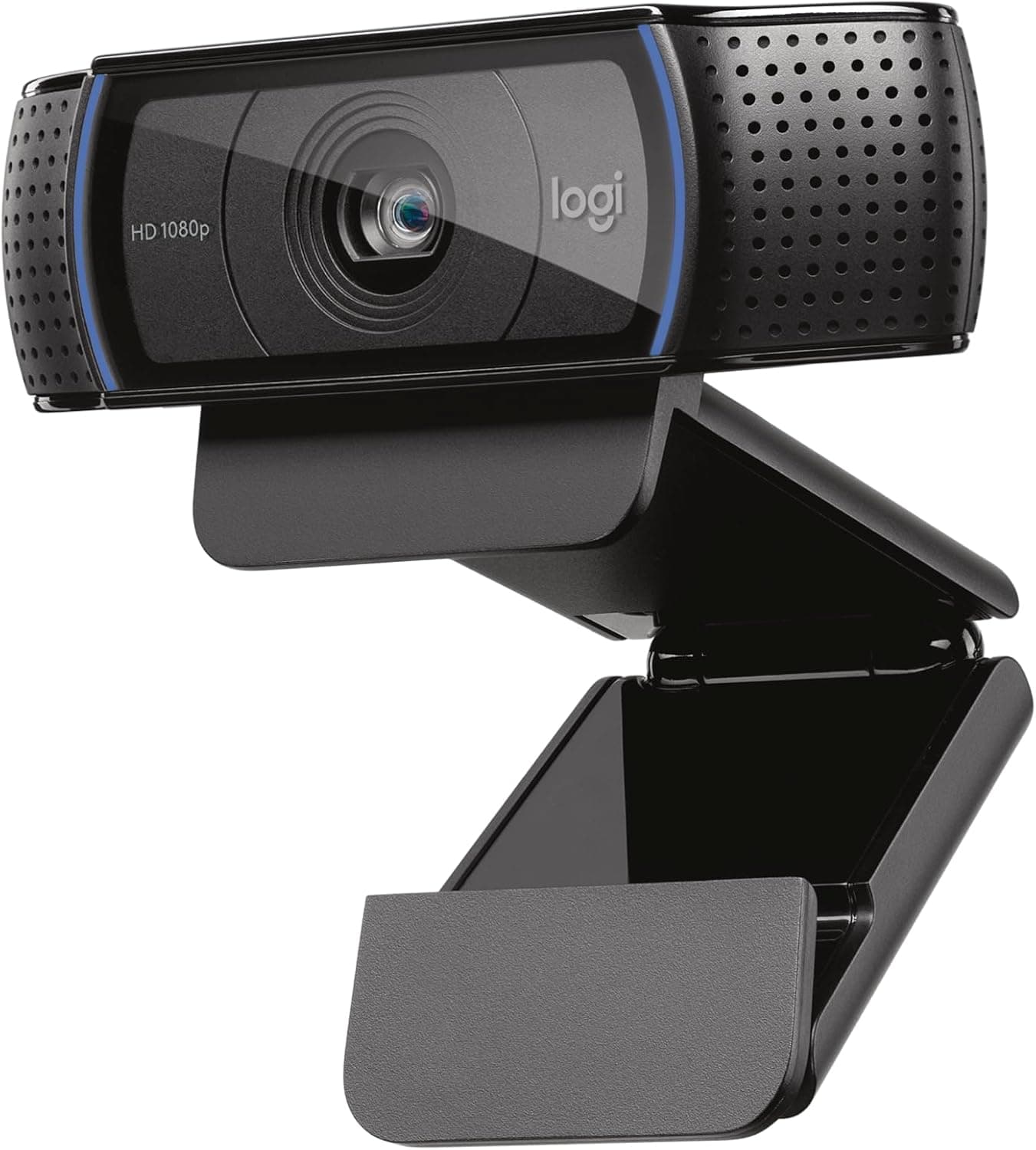
Pair any of these with our webcam and webcam lighting guides. Colleagues notice audio problems before they notice 1080p vs 720p video.
What mattered when comparing desk mics
We filtered Amazon US listings for USB plug-and-play mics with high review volume and recurring mentions of Zoom, Teams, Skype, or work-from-home use — not only streaming and ASMR.
Blue Yeti, HyperX SoloCast, and FIFINE K669B are perennial Amazon bestsellers with tens of thousands of owner reviews and live ASINs at time of writing.
We excluded headset-only solutions, XLR interfaces requiring mixers, and lavalier mics that need clipping and cable routing for daily desk use.
Noise rejection still depends on room treatment. A white noise machine or closed door often helps as much as a mic upgrade in echoey apartments — see our white noise guide for shared-wall setups.
Setup tips that matter more than the brand
Distance: 6–12 inches from mouth, slightly above or beside — not pointing up from the desk.
Gain: start low and increase until colleagues say you are clear. Hot gain amplifies HVAC and keyboard equally.
Pop filter or foam windscreen if plosives (P and B sounds) clip on cardioid condensers — especially with the Yeti close.
Cable route through the same tray as webcam and keyboard cables — a tug on the USB cable should not pull the mic off the desk.
Software: disable automatic mic processing in Zoom if your voice sounds underwater — then re-enable one enhancement at a time.
Microphone mistakes on video calls
Do not buy a mic before fixing room echo — bare walls and hardwood floors make any condenser sound hollow.
Avoid placing the mic between keyboard and mouth — you will broadcast every keystroke.
Skip gaming headsets with boom mics if you already own good headphones and want a cleaner on-camera look.
Do not assume 4K webcams fix audio — they rarely do. Mic and light are separate upgrades.
Return window: test on real calls with a colleague, not only a local recording. Playback on your machine lies about how you sound on Zoom compression.
Side-by-side comparison
| Feature | Blue Yeti | HyperX SoloCast | FIFINE K669B |
|---|---|---|---|
| Typical price | $90 – $130 | $45 – $60 | $25 – $40 |
| Pickup pattern | Cardioid, omni, bidirectional, stereo | Cardioid (fixed) | Cardioid (fixed) |
| Desk footprint | Large — needs stand space | Compact — ~4″ base | Compact tripod stand |
| Mute control | Button on mic | Tap-to-mute on top | No hardware mute |
| Headphone jack | Yes — zero-latency monitor | No | No |
| Best if you… | Lead daily calls from one desk | Want pro sound on a small desk | Need the cheapest clear upgrade |
Picks that match the criteria above
These products illustrate the criteria above — they are not a mandatory shopping list. Skip any pick that fails your desk depth, budget, noise limits, or return logistics.
Best overallThe Amazon default for desk microphones — four pickup patterns, built-in headphone monitoring, and hardware gain so you sound broadcast-clear on Zoom without wrestling with OS levels. Cardioid mode rejects keyboard clatter to the sides; switch to omnidirectional when two people share one mic in a small conference room.
Best for: Managers, consultants, and creators who join video calls multiple times daily and want one mic that also works for recordings.
- +Cardioid pattern focuses on your voice and rejects side noise
- +Omnidirectional mode for multi-person calls at one laptop
- +Headphone jack for zero-latency monitoring
- +Hardware mute and gain knobs — no digging through Zoom settings mid-call
- +Years of Amazon reviews and universal Mac/Windows plug-and-play
- −Large on desk — pair with a boom arm or riser if space is tight
- −Sensitive in cardioid — mechanical keyboards and HVAC still need distance or soft switches
- −Overkill if you only meet weekly from a quiet room
 Best compact
A compact cardioid USB mic built for streamers but ideal for WFH desks — tap the top to mute before a cough, indicator LED shows live status, and the small base fits shallow apartment desks where a Yeti feels like a monument.
Best for: Remote workers with limited desk depth who want noticeably better voice than a laptop mic without a boom-arm setup.
- +Tap-to-mute is faster than software mute during surprise interruptions
- +Small footprint — fits monitor risers and corner desks
- +Cardioid rejects room echo better than built-in laptop mics
- +Plug-and-play USB — no drivers on Mac or Windows
- −No headphone jack — monitor through speakers or headset instead
- −Fixed cardioid only — not for round-table omnidirectional capture
- −Light plastic build — secure the cable so a tug does not tip it
 Best budget
The budget proof that laptop mics are the bottleneck — a metal-body USB condenser with tripod stand and volume knob for under $40. Cardioid pickup and plug-and-play setup make it the entry pick when teammates ask you to repeat yourself on every standup.
Best for: Budget-conscious WFH workers who need clearer voice on calls before investing in a webcam or lighting upgrade.
- +Clear step up from built-in mics at the lowest USB condenser price tier
- +Metal construction and included tripod — no separate stand purchase
- +Volume knob on the body for quick level tweaks
- +Strong Amazon sales rank in USB microphone category
- −No hardware mute — use Zoom/Teams software mute
- −Picks up keyboard noise if placed between you and the keys
- −Tripod is short — stack on books or a riser for mouth-level placement
The verdict
Daily video callers should buy the Logitech Blue Yeti in cardioid mode, mount it at mouth height, and pair with our webcam lighting guide. Small desks get the HyperX SoloCast for tap-to-mute and a tiny footprint. Budget buyers start with the FIFINE K669B — then upgrade once you know how much call audio matters to your role. Fix distance and room echo before spending more than $100 on any mic.
Advertisement
Ad placement activates after cookie consent.
FAQ
Is a USB microphone worth it for Zoom calls?+
Yes if teammates struggle to understand you, keyboard noise dominates, or you lead calls daily. No if you meet rarely from a quiet room and your laptop mic is acceptable — fix placement and lighting first.
Blue Yeti or HyperX SoloCast for home office?+
Yeti for daily call-heavy work, multiple pickup patterns, and headphone monitoring. SoloCast for small desks, tap-to-mute, and budget under $60. Both beat laptop mics when positioned at mouth height.
Do I need a boom arm for a desk mic?+
Not required but helpful on shallow desks — frees mouse space and gets the capsule closer without the stand blocking the keyboard. A monitor riser shelf also works for compact setups.
Will a mic pick up my mechanical keyboard?+
Cardioid mics reduce but do not eliminate keyboard noise. Place the mic off to the side, use quieter linear or silent switches, or mute when not speaking. See our office mechanical keyboard guide for low-noise options.
USB mic or headset for video calls?+
Desk mic if you want open ears and a cleaner look on camera. Headset if you work in loud shared spaces and need isolation. Many people use a desk mic plus speakers; others prefer one wireless headset for all-day wear.
Related guides
Keep reading
Published 2026-07-13