Best webcam for remote work in 2026
Webcams for Zoom, Teams, and Google Meet — 1080p picks, low-light performance, and when your laptop camera is good enough.
We keep the shortlist small on purpose. One strong fit beats three mediocre Amazon cards. How we research.
Some links may earn a commission at no extra cost to you. Prices are approximate.
Bottom line for remote work webcams
If clients see you on camera weekly or more, buy the Logitech C920x — it is the boring right answer. Use the C270 on a tight budget. Pick the Razer Kiyo Pro when your room is dim or window light changes throughout the day.
Webcam upgrades beat laptop cameras on angle and focus — not magic. Pair any external cam with eye-level placement and a light source in front of you, not behind.
For lighting depth, read our webcam lighting guide — a $30 lamp often helps more than a $200 camera in a dark room.
1080p vs 4K for work calls
Zoom and Teams compress video — 1080p external webcams already exceed what most meetings display. 4K webcams matter for content creators, not typical status meetings.
Autofocus and exposure stability matter more than resolution for moving slightly or leaning in to point at a screen.
Frame rate: 30fps is standard for calls. 60fps is optional unless you demo fast motion.
Placement and lighting basics
Mount at eye level — laptop on a stand or external cam on the monitor top. Low angles are unflattering and unprofessional.
Light should hit your face from the front or front-side — window behind you silhouettes. Ring-light webcams help; desk lamps help more.
Background: clean shelf or wall beats virtual blur when bandwidth drops.
What mattered when comparing webcams
We prioritized models with years of WFH deployment, macOS and Windows plug-and-play, and replacement availability — not obscure 4K cameras with dead drivers.
C920x remains the benchmark. C270 is the budget floor that still works. Kiyo covers buyers who need integrated light before buying a separate lamp.
Webcam mistakes on daily calls
Do not buy 4K for internal standups — spend the difference on lighting.
Avoid sitting with window behind you — any camera will struggle.
Do not forget privacy shutter or unplug when not in use if policy requires.
Skip DSLR-as-webcam complexity unless you stream professionally.
1080p is still the sane default
Most video platforms compress outgoing feeds aggressively. A clean 1080p sensor with good low-light behavior beats a noisy 4K webcam that downscales to mush on Teams or Zoom.
Frame rate above 30 fps matters only if you gesture often or demo physical products. For standard head-and-shoulders calls, stable exposure and autofocus win.
Built-in laptop cameras improved slightly on premium models but still sit too low and too close to the keyboard. External webcams belong at or slightly above eye level — usually on the monitor or a small riser.
Field of view and privacy shutters
Wide-angle lenses make small apartments look spacious but distort faces at the edges. Medium FOV (~78–90°) is safer for solo calls; dial back if you sit arm’s length from the screen.
Physical privacy shutters or caps matter in shared homes. Software “off” indicators are not enough when a driver glitch or forgotten tab shares video.
Auto-framing and background blur consume CPU on older laptops. If fan noise spikes during calls, disable fancy features and rely on lighting instead.
Mounting on thin bezels and arms
Monitor arms and ultrawide curves can leave nowhere to clip a factory mount. A small tripod on the desk or a monitor shelf lip mount may be steadier than fighting a wobbly top clamp.
Stacking webcam + monitor light bar on the same top edge fights for space. Plan order: light bar rear, webcam forward, or use a side arm for the camera.
Who should skip a new webcam
If your bottleneck is backlighting or a ceiling fan strobing overhead, fix the room before buying another sensor. No webcam rescues a window behind you without curtains or a key light.
Phone-as-webcam apps work for occasional calls. Dedicated hardware still wins for all-day reliability and not draining your mobile battery.
Meeting-day reliability checks
Run your actual conferencing apps during the return window — not just the manufacturer test utility. Teams, Zoom, and Meet apply different compression and crop rules. A camera that looks sharp in a local preview can still mush fine facial detail on a corporate VPN call.
Mount stability matters more than resolution on hour-three standups. Tap the desk, type, and roll your chair — if the image jitters, try a tripod foot or a lower clamp before you blame the sensor. Monitor arms transmit vibration to top-mounted webcams more than factory stands do.
Privacy shutters and mute discipline should be muscle memory before high-stakes meetings. Test wake-from-sleep behavior: some webcams need replug after laptop lid cycles. Document the fix or return the unit — intermittent driver glitches destroy trust faster than slightly soft 1080p.
Heat cable length and apartment glare
USB webcams on hub chains can brown out when the dock is already driving dual displays — plug directly into the laptop during return-window tests if auto exposure hunts or the feed drops mid-call. Cable length past six feet without active extension often adds latency and power sag on older hubs.
Window behind you is still the number-one killer; no sensor fixes silhouette. In studio apartments where the only desk faces floor-to-ceiling glass, prioritize curtains or a key light before megapixel specs. Who should skip a new webcam: recent laptop with acceptable 1080p and fixed lighting, occasional callers using phone-as-cam apps.
Top-mounted cams on thin bezels transfer typing vibration to video — a small tripod on the desk or a shelf lip mount may beat fighting a wobbly clamp. Return if autofocus pulses on every hand gesture; constant hunting reads as unprofessional on client calls and cannot be fixed with software sliders alone.
Window and background checklist before you buy
Sit where you will work and note what the camera sees at arm’s length. Floor-to-ceiling glass behind you turns any sensor into a silhouette — curtains or a portable key light fix more than a $150 webcam upgrade. Move the desk 90 degrees if the room layout allows; sideways window light beats backlight every time.
Busy backgrounds — open closets, unmade beds, roommate traffic — distract even with blur enabled. Blur eats CPU on older laptops and fails around hair and glasses edges. A plain wall, a folding screen, or a bookshelf at least six feet back reads cleaner than aggressive software blur on a fan-throttling MacBook Air.
Ceiling fans and LED strips pulsing at the wrong frequency cause banding on camera that looks like a cheap sensor. Test at the hour you actually take calls — afternoon sun moves shadows faster than morning setup suggests.
Measure desk depth for tripod placement. A webcam on a mini tripod behind the monitor needs four inches of rear clearance; shallow apartment desks may force top-clamp mounts that fight monitor light bars. Plan stack order before checkout, not after the return window.
Week-two call failures worth returning
Driver sleep bugs show up after lid-close cycles, not on unboxing day. Close the laptop, reopen, join a test Meet — if the feed stays black until replug, document it and return. Corporate IT may not approve driver hacks on managed machines.
Auto exposure hunting when you raise a document to camera is common on budget sensors. If exposure pulses when you gesture, disable auto features and lock exposure manually — if the app offers no lock, return for a model with stable firmware.
Top-mounted webcams on monitor arms transfer desk vibration into shimmer on long calls. Week two is when you notice image jitter during typing-heavy standups. Tripod on the desk or shelf lip often beats fighting arm wobble.
Who should skip buying: recent laptops with acceptable 1080p and fixed lighting, occasional callers using phone-as-webcam apps, and anyone whose real problem is a window behind them. Fix the room first; swap hardware second.
Short answers below — use them only if the criteria above already match your constraints.
Quick picks
Best overall
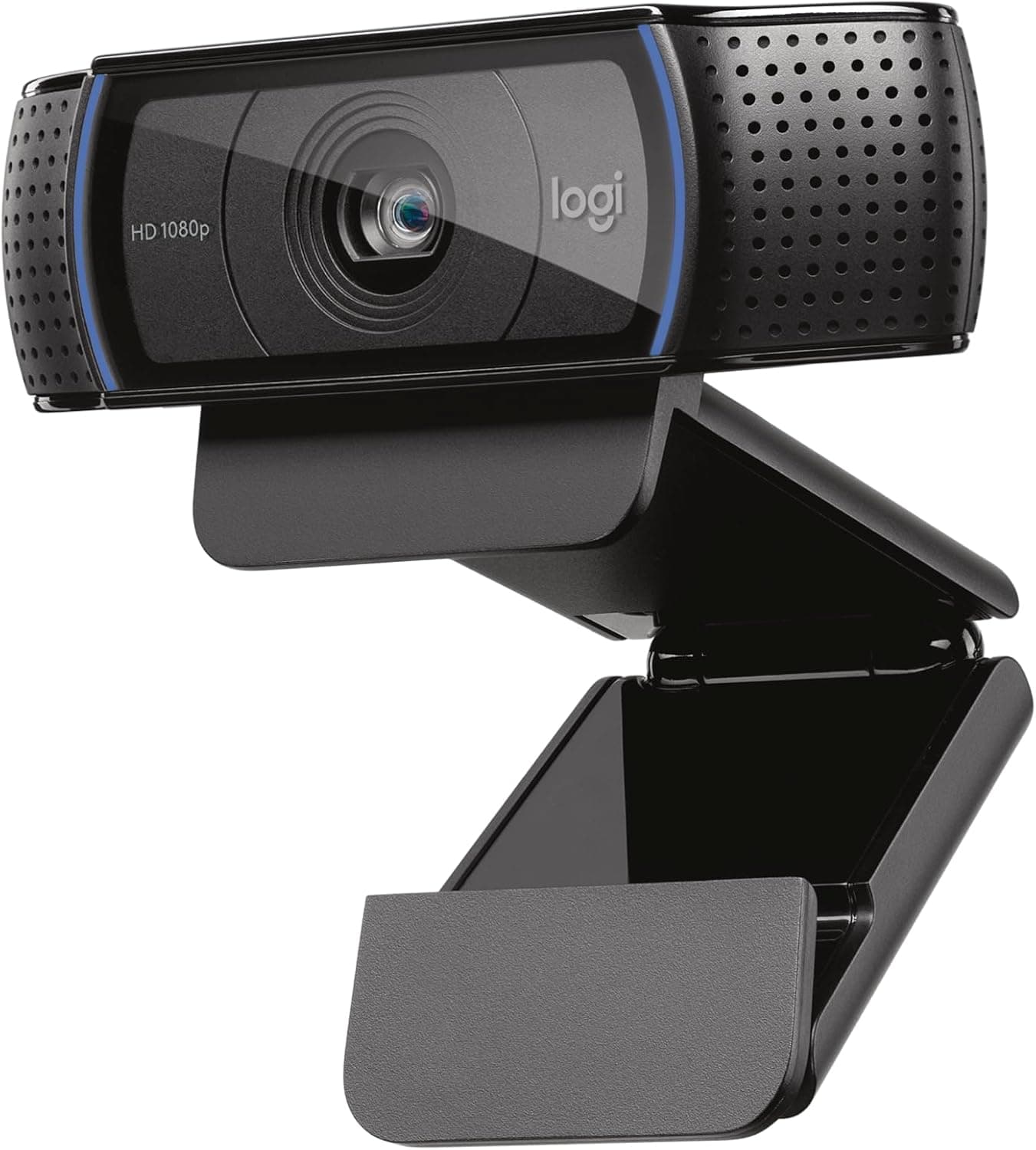
Logitech C920x
Reliable 1080p, autofocus, and the default WFH recommendation for years.
Best budget
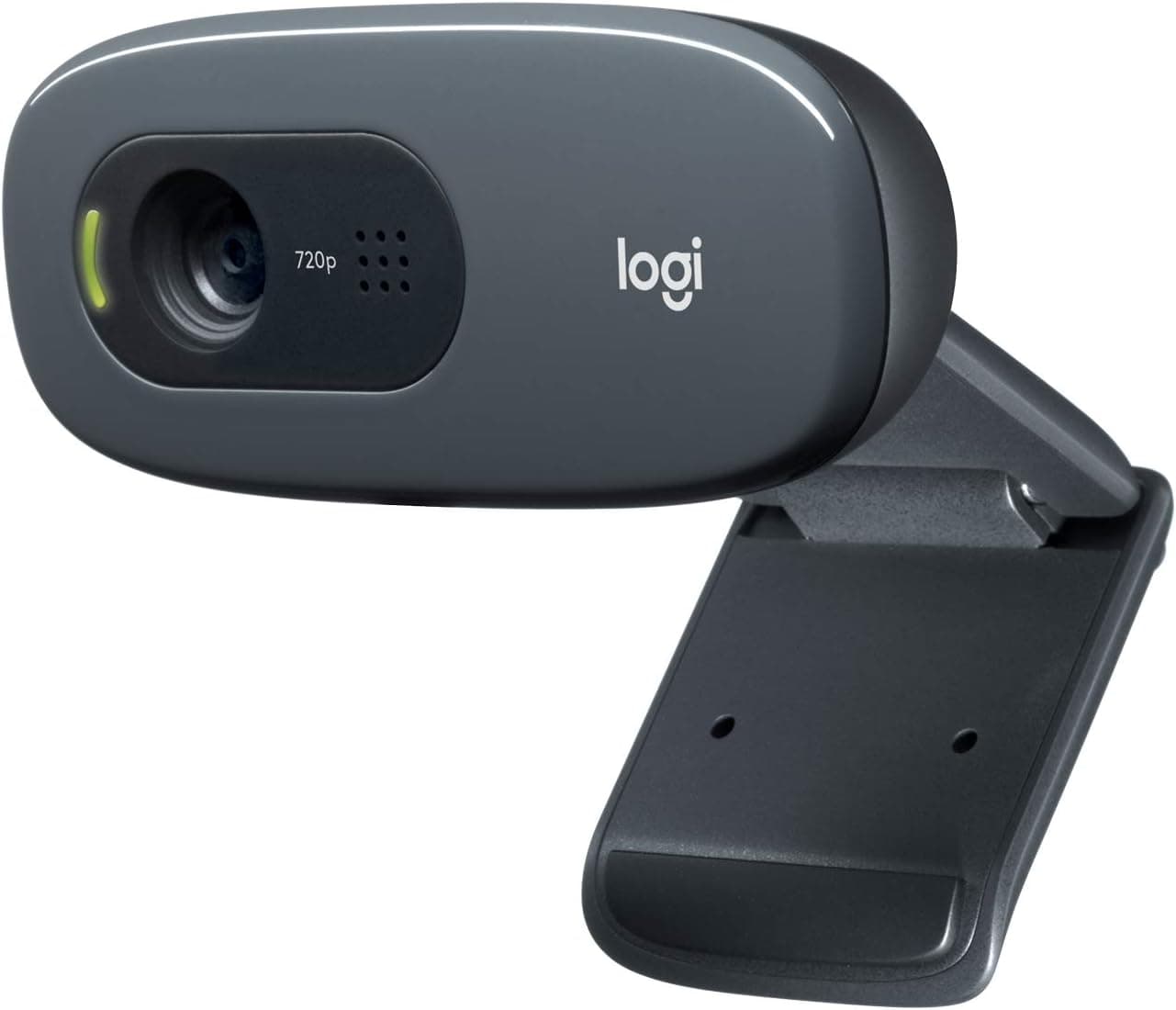
Logitech C270
720p that still beats most laptop cameras for under $40.
Best low light
Razer Kiyo Pro
Large adaptive-light sensor for dim apartments and uneven windows.
Default picks (skip if constraints disagree)
These products illustrate the criteria above — they are not a mandatory shopping list. Skip any pick that fails your desk depth, budget, noise limits, or return logistics.
Best overallThe default external webcam for remote work — 1080p at 30fps, dependable autofocus, and wide software support on Mac and Windows when your laptop camera looks soft or color-shifted on calls.
Best for: Employees on daily Zoom or Teams who need a predictable upgrade over built-in laptop cameras.
- +Sharp enough for professional calls at 1080p
- +Dual mics acceptable for small rooms
- +Mounts securely on most monitors and laptops
- −Low light still needs desk lamp — pair with our lighting guide
- −Not 4K — overkill for most meetings anyway
 Best budget
A budget 720p webcam that still beats many laptop sensors — the right pick when you meet weekly, not daily, and want external camera reliability without C920 pricing.
Best for: Budget WFH setups and secondary machines used only for calls.
- +Low cost proof that external beats laptop angle
- +Lightweight for travel kits
- +Simple plug-and-play USB
- −720p soft on large screens
- −Fixed focus — sit at consistent distance
Side-by-side comparison
| Feature | Logitech C920x | Logitech C270 | Razer Kiyo Pro |
|---|---|---|---|
| Typical price | $60 – $80 | $25 – $35 | $70 – $100 |
| Resolution | 1080p | 720p | 1080p |
| Autofocus | Yes | Fixed focus | Yes |
| Built-in light | No | No | No — adaptive sensor |
| Best if you… | Daily client calls | Occasional meetings | Need stronger low-light capture |
The verdict
Daily video callers should buy the Logitech C920x and fix lighting next. Budget buyers use C270. Dim rooms should consider the Razer Kiyo Pro — then still add a desk lamp when budget allows. Eye-level mount beats any spec sheet.
Advertisement
Ad placement activates after cookie consent.
FAQ
Is a webcam worth it for remote work?+
Yes if you are on camera more than once a week, your laptop camera is soft, or your angle is too low. Occasional internal meetings may be fine with laptop cam plus better lighting.
Webcam or phone as camera?+
Dedicated webcam is simpler for daily use. Phone-as-webcam apps work in a pinch but drain battery and clutter desk space.
Best webcam for Mac?+
Logitech C920x works natively on macOS with no drivers. Mount on a stand or monitor — MacBook lid cameras angle up your nose when laptop sits flat.
Do I need a mic with a webcam?+
Built-in webcam mics work in quiet rooms. Noisy apartments benefit from a headset — see our headset guide for call-heavy days.
Do I need a separate mic with a new webcam?+
Many webcam mics are fine for team standups in quiet rooms. Add a desktop mic or headset if roommates, HVAC, or keyboard clatter dominate your audio. Treat video and audio as separate upgrade paths.
Related guides
Keep reading
Published 2026-07-08 · Updated 2026-07-26