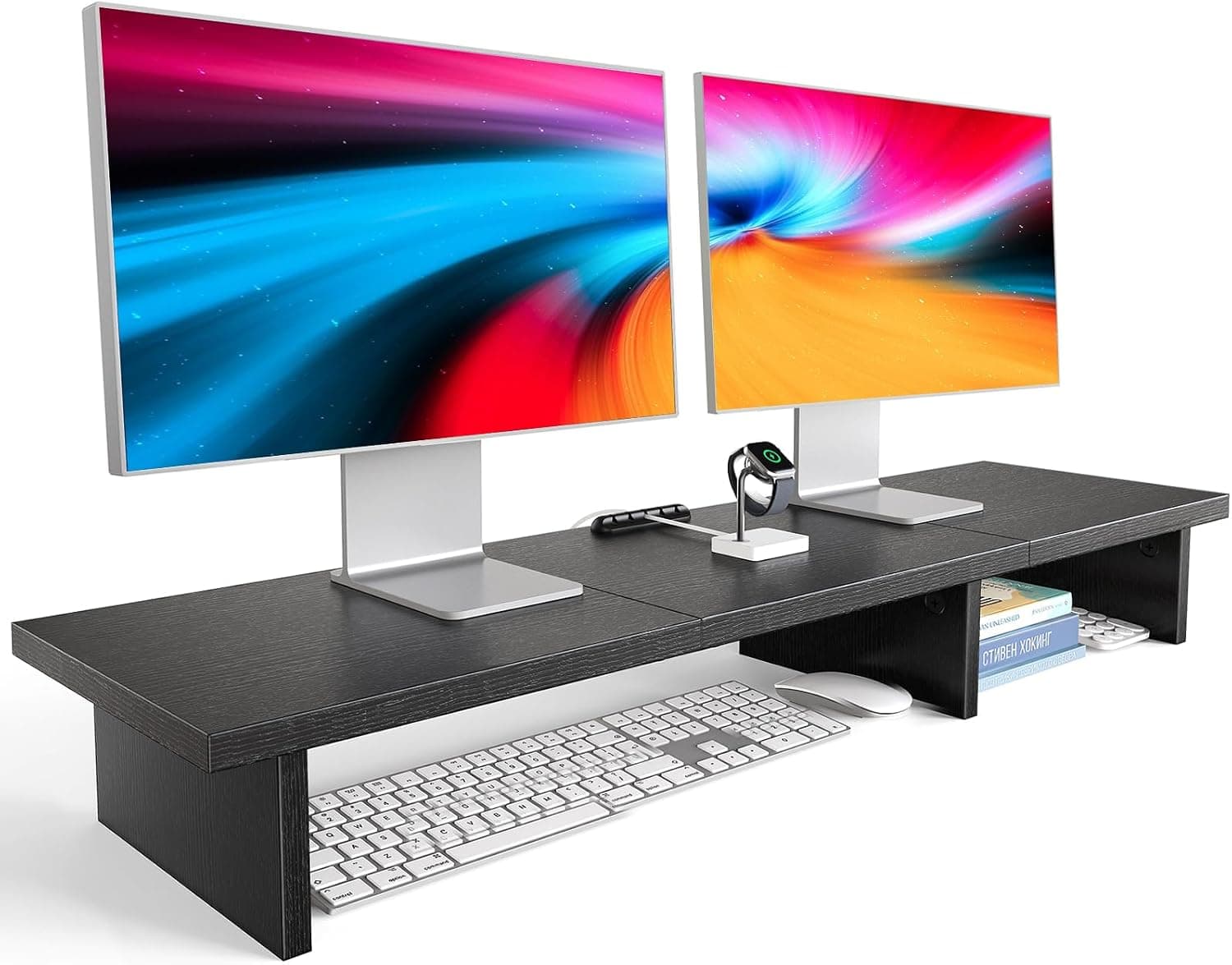
Best desk shelves for dual-monitor setups
Monitor shelves and desk risers that add storage between dual screens — reclaim depth without losing ergonomic viewing height.
Start with the criteria and table. Only open product pages after you know depth, noise, and budget limits. How we research.
Affiliate links may appear in this guide. Prices are approximate.
Bottom line for dual-monitor shelves
Dual monitors eat width and depth; the gap between them is often dead space. A bridge riser like VIVO turns that gap into a home for webcam, mic, and speakers at correct height.
If you need hidden storage more than bridge display, drawer organizer risers with drawers lift screens and swallow keyboards. When desk depth is the bottleneck, wall-mount a floating shelf above the monitors instead.
Monitor arms change the equation — floating screens may not need risers but still benefit from a centered shelf clamped to the desk edge or wall.
Why dual-monitor desks need shelves
Two monitor stands create two dead zones and a awkward center gap. Webcams clipped to one monitor look off-center on calls. Speakers flanking both screens consume width.
A centered shelf solves alignment — camera, mic, and clock sit in the natural focal point between screens.
Raising monitors slightly with a riser also helps neck posture when stands sit too low — minor gain compared to arms but free when you needed the shelf anyway.
Shelf vs monitor arm
Arms free desk space below screens; shelves use the space between bases. Many setups use both — arms for screens, bridge shelf for accessories.
If monitors already on arms, consider a clamp-on shelf that mounts to desk rear edge rather than sitting on stands.
Do not stack risers on wobbly monitor stands — stabilize bases or upgrade to arms before adding weight.
What mattered when comparing desk shelves
We prioritized width compatibility with common dual 24″ and 27″ layouts and weight ratings for webcam plus small speaker sets.
HUANUO dual monitor risers are widely cloned — pick models with stated weight limits. drawer organizer risers are the budget storage play. Wall shelves help the shallow-desk minority.
We skipped elaborate hutch systems requiring permanent desk modification.
Shelf mistakes on dual-monitor desks
Do not buy a shelf too narrow to span both monitor feet — measure outer edges of stands.
Avoid overloading center shelves with heavy speakers on flexible risers.
Do not block monitor ventilation with tight-fitting drawers.
Skip shelf plus arm combos that collide when screens tilt.
Why shelves enter dual-monitor setups
A shelf above the panels lifts webcams, lights, and speakers to eye level without clamping to thin top bezels. It also clears notebooks and docks from the primary keyboard zone.
Depth matters: shallow shelves (~8–10 inches) hold a light bar and cam; deeper shelves invite clutter gravity — books you never read, old hard drives, spare cables.
Weight rating must include two monitors if the shelf clamps to a desk riser between them. Read whether the product is for accessories only, not for holding displays.
Clamp vs freestanding vs wall
Clamp-on risers suit renters and solid tops. Freestanding tiers work on glass only if the base is wide enough to resist lateral nudge when you cable-manage behind.
Wall shelves above the desk look clean but need stud finding and landlord approval. Cable drops from wall to desk become a new planning task.
Ergonomic height targets
Webcam on the shelf should frame eyes, not forehead. Test with your chair at max and min height before drilling or tightening clamps.
Speakers on a high shelf can blast over your head. Angle them down slightly or keep them at ear level on the desk if you edit audio.
Skip these shelf ideas
Floating shelves rated for books but not vibration — typing shake can rattle lightweight USB mics on the same board.
Stacking a shelf on a wobbly monitor riser doubles flex. Stabilize the base layer first.
Return window before drilling or clamping
Load the shelf with your real webcam, light bar, and speakers — not empty boxes. Typing energy travels through clamp risers into lightweight bamboo tiers. If the shelf shimmers on camera, return it before you drill pilot holes trying to fix flex with optimism.
Measure eye-line height with your chair at minimum and maximum settings. A shelf that frames your forehead on day one will crop your chin after you swap chairs. Renters should prefer clamp risers you can remove without spackling.
Dual-monitor spans concentrate weight on the center gap. Read the accessory-only weight limit twice — shelves meant for lamps are not monitor stands. Exceeding rated load voids returns when the sag becomes permanent after week two.
Noise vibration on shelf-mounted mics
USB condenser mics on bamboo risers pick up typing and speaker bass that desk-level mounts dampen. Before you drill, type a paragraph with the mic on the shelf loaded — if plosives rattle the boom, move audio gear back to desk level or add a foam pad under the base.
Speaker drivers aimed over your head from a high shelf sound impressive in demos and hollow on calls. Angle drivers down or keep speakers at ear height when you edit audio or take long Zoom blocks. Apartment neighbors hear shelf-transmitted vibration through shared walls when sub-heavy playlists run beside a hollow clamp riser.
Who should skip overhead shelves: renters forbidden from wall mounts, desks with less than 10 inches of clearance above the panel, and anyone whose webcam already fights a monitor light bar for bezel space. A side tripod for the camera often beats stacking three devices on one narrow tier.
Apartment clearance above the panel
Measure from desktop to ceiling or lowest pendant at standing desk height if you use a converter — shelves that fit when seated may collide when you stand. Loft beds and bunk clearances cap shelf depth before you order a 12-inch tier that holds books you never read.
Clamp spans on dual-monitor setups need flat zones on each wing — inside corner curves on budget L-desks reject clamps that marketing photos hide. Size shelf length to the accessory footprint only: webcam, light bar, and one small speaker, not a row of hard drives that become clutter gravity.
Return-window load test: place every object you plan to store, then raise the desk through full travel if applicable. Cables from shelf to dock need service slack — a tidy 12-inch drop becomes taut when the desk lifts. Skip wall anchors until you confirm stud location; drywall anchors fail slowly under daily keyboard vibration.
Load order for webcam-first dual setups
Install shelf empty, set webcam height and framing, then add light bar, then speakers last. Speakers vibrate more than cams — loading everything at once hides which object causes shelf shimmer on video.
Center mass on the clamp span between monitors, not on the outer edge. Accessories-only shelves fail when you treat them like mini TV stands for hard drives.
Cable drops from shelf to dock should share one fabric sleeve — three separate tails sag and catch chair backs in apartment knee wells.
Who should skip overhead shelves: thin-bezel stacks with no top lip, renters forbidden from wall mounts, and desks with less than eight inches above the panel at standing height.
Week-two clamp creep on particleboard
Clamp risers on IKEA tops compress laminate slowly — week-two tilt on the shelf often means the clamp walked, not that the webcam got heavier. Retighten to spec weekly or add a plywood spreader pad under the clamp zone.
Dual-monitor clamp spans flex the gap between panels when you type on one wing. If the shelf shimmers only when typing on the left monitor, the base layer needs stabilization before you add foam under the mic.
Heat from a monitor light bar warms cheap bamboo tiers and loosens screw joints. Check thumb screws on day ten inside the return window.
Return if shelf sag exceeds two millimeters — permanent bend voids returns after you drilled pilot holes trying to fix flex with optimism.
Side-by-side comparison
| Feature | Bridge riser | Riser + drawer | Wall shelf |
|---|---|---|---|
| Typical price | $35 – $55 | $30 – $45 | $25 – $40 |
| Uses desk depth | Yes — sits on surface | Yes — larger footprint | No — wall mounted |
| Holds webcam centered | Excellent | Good if wide enough | Good above monitors |
| Dual monitor fit | Wide models span both bases | Two small risers or one wide | Independent of monitor bases |
| Best if you… | Want shelf between screens | Need hidden keyboard storage | Desk surface is full |
Picks that match the criteria above
These products illustrate the criteria above — they are not a mandatory shopping list. Skip any pick that fails your desk depth, budget, noise limits, or return logistics.
Best overallA wide riser shelf that spans dual monitor bases — creates a bridge for webcam, mic, speakers, and daily-carry items that would otherwise clutter the front edge.
Best for: Dual 24–27″ setups where the gap between stands wastes usable space.
- +Centers webcam at eye level between screens
- +Steel construction supports speakers and small UPS
- +Raises screens slightly — minor posture bonus
- −Measure total width — must span both monitor feet
- −Adds visual mass — not minimalist
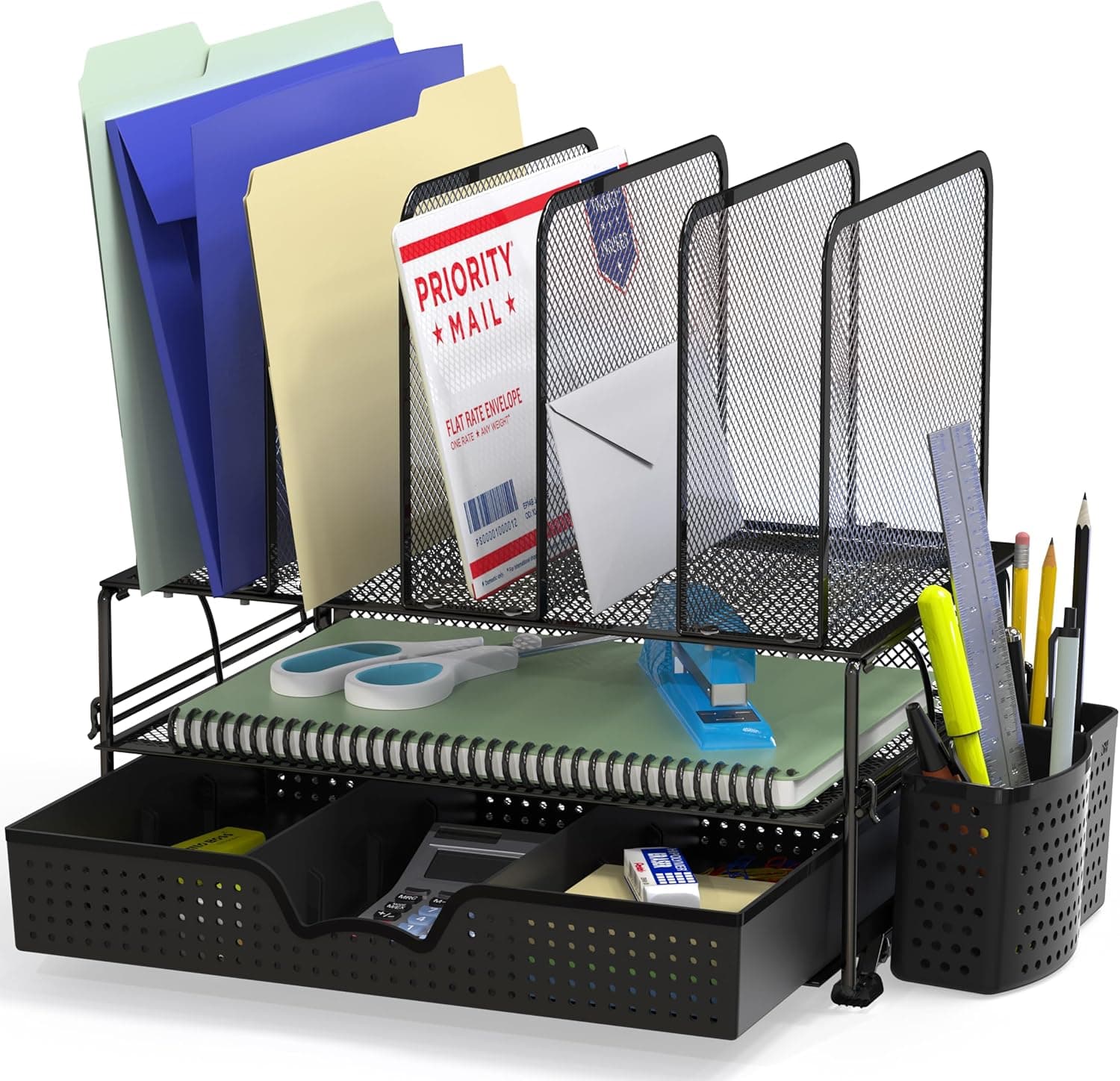 Best storage
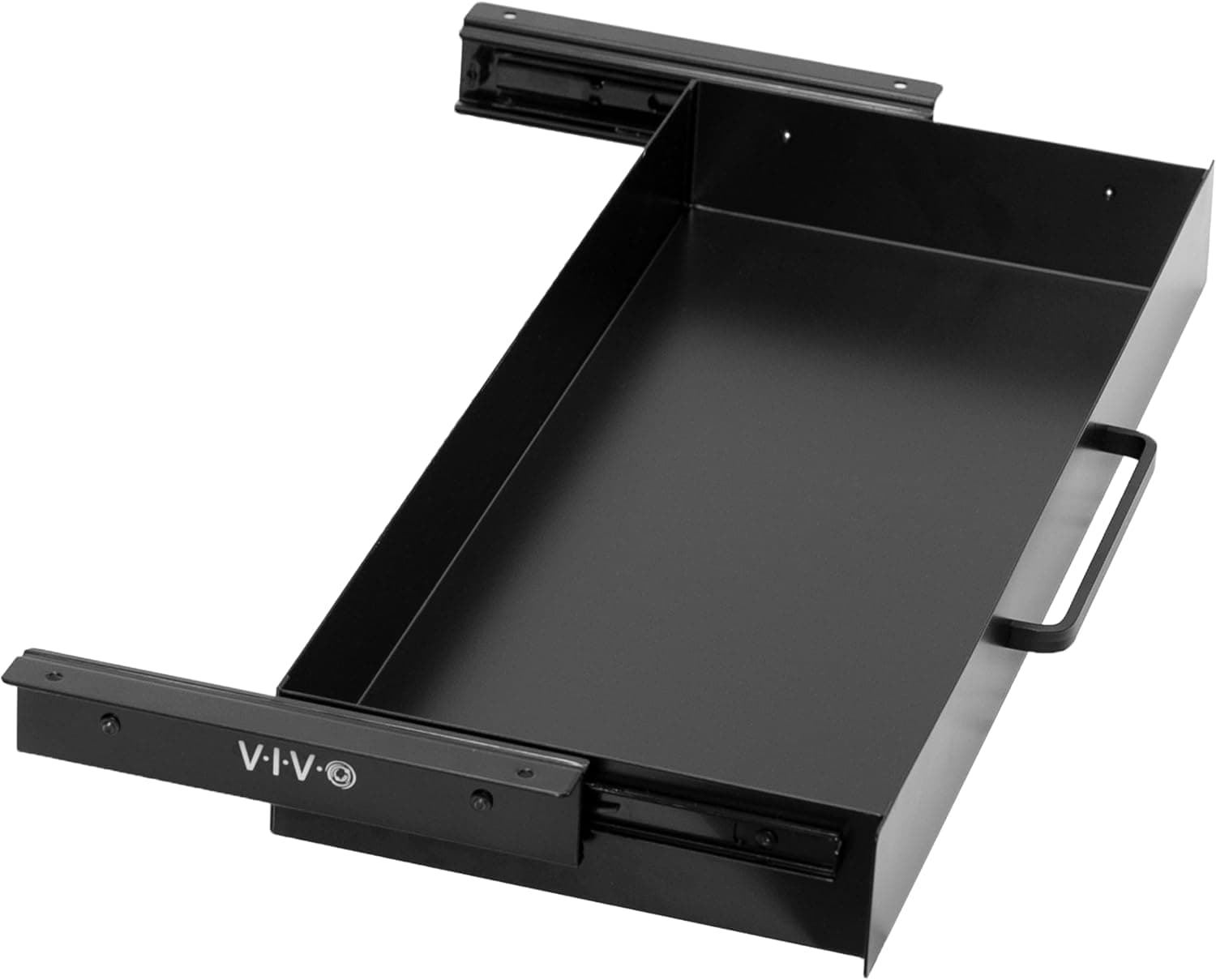
A riser with integrated drawer that lifts one or both monitors while stashing keyboard, notebook, or supplies underneath when not typing.
Best for: Workers who clear the desk surface for non-computer tasks daily.
- +Drawer hides clutter from video-call sightlines
- +Budget-friendly vs custom shelving
- +No wall damage — renter friendly
- −May need two units for mismatched dual monitors
- −Fixed height — not adjustable like monitor arms
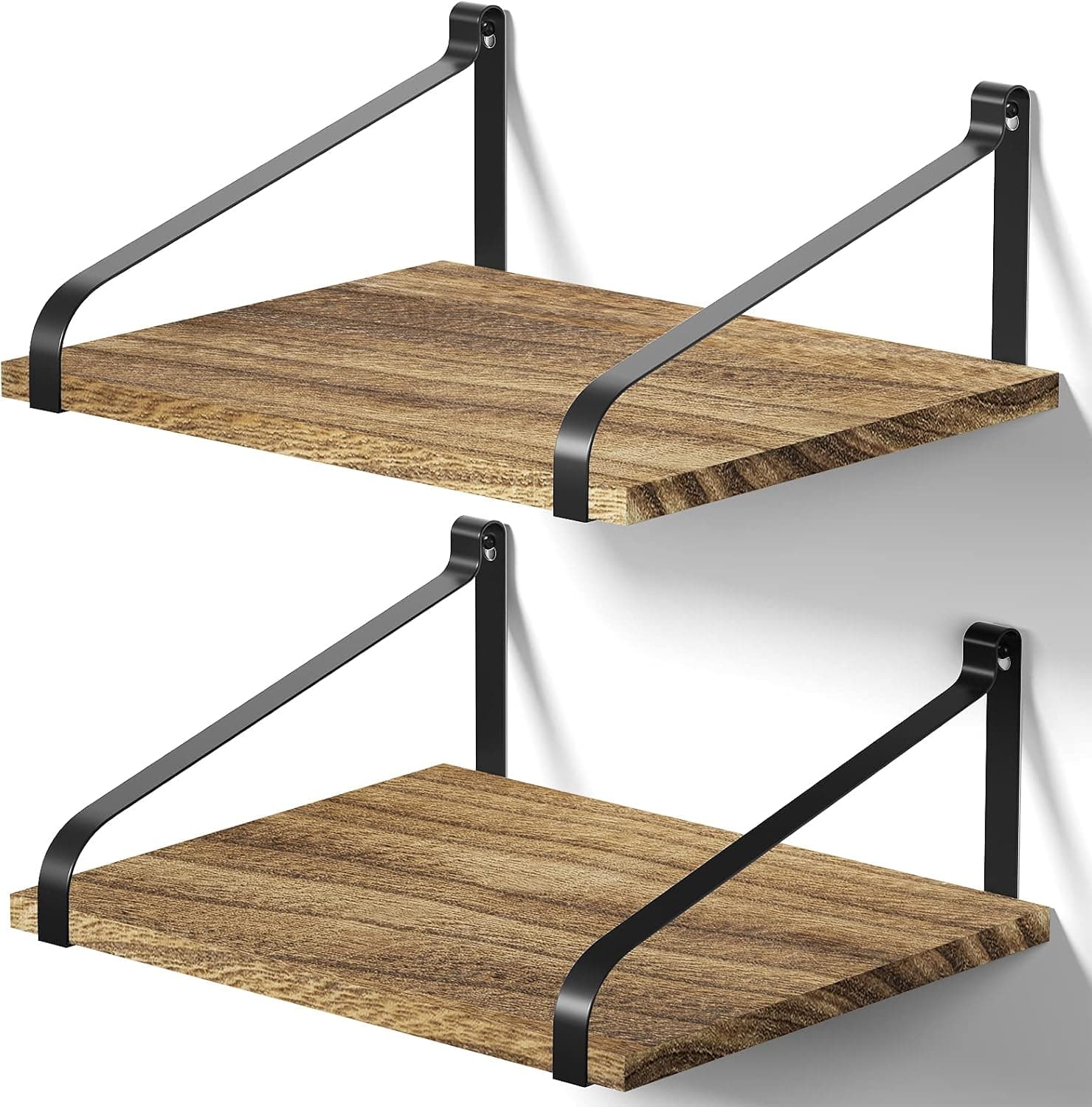 Best zero-footprint
A narrow floating shelf mounted above the monitor line — holds plants, books, or gear without consuming desk depth needed for keyboard and mouse.
Best for: Shallow desks where every inch of surface depth is spoken for.
- +Frees entire desk surface for input devices
- +Looks intentional in video backgrounds
- +Installs above eye line — out of focal path
- −Requires wall mounting — landlord permission
- −Not for heavy equipment without stud finding
The verdict
Dual-monitor workers should span the center gap with the HUANUO dual monitor riser for webcam and daily gear. Add drawer organizer risers when hidden storage matters more. Shallow desks go wall-mount with Love-KANKEI — keep the surface for keyboard and mouse.
Advertisement
Ad placement activates after cookie consent.
FAQ
One wide riser or two separate?+
One wide bridge if monitor spacing matches and you want centered webcam placement. Two risers if monitors differ in height or you need independent adjustment.
Will a shelf fix monitor height?+
Slightly — risers add 3–5 inches typically. For full ergonomics, monitor arms or taller stands still win. Shelves primarily add organization.
Floating shelf height above monitors?+
Usually 6–12 inches above screen top — clears tilt range and stays out of primary sightline while visible on calls as background.
Desk shelf with ultrawide monitor?+
Ultrawides often skip dual-bridge shelves. Use under-monitor drawer risers or side shelves clamped to desk edges instead.
Related guides
Keep reading
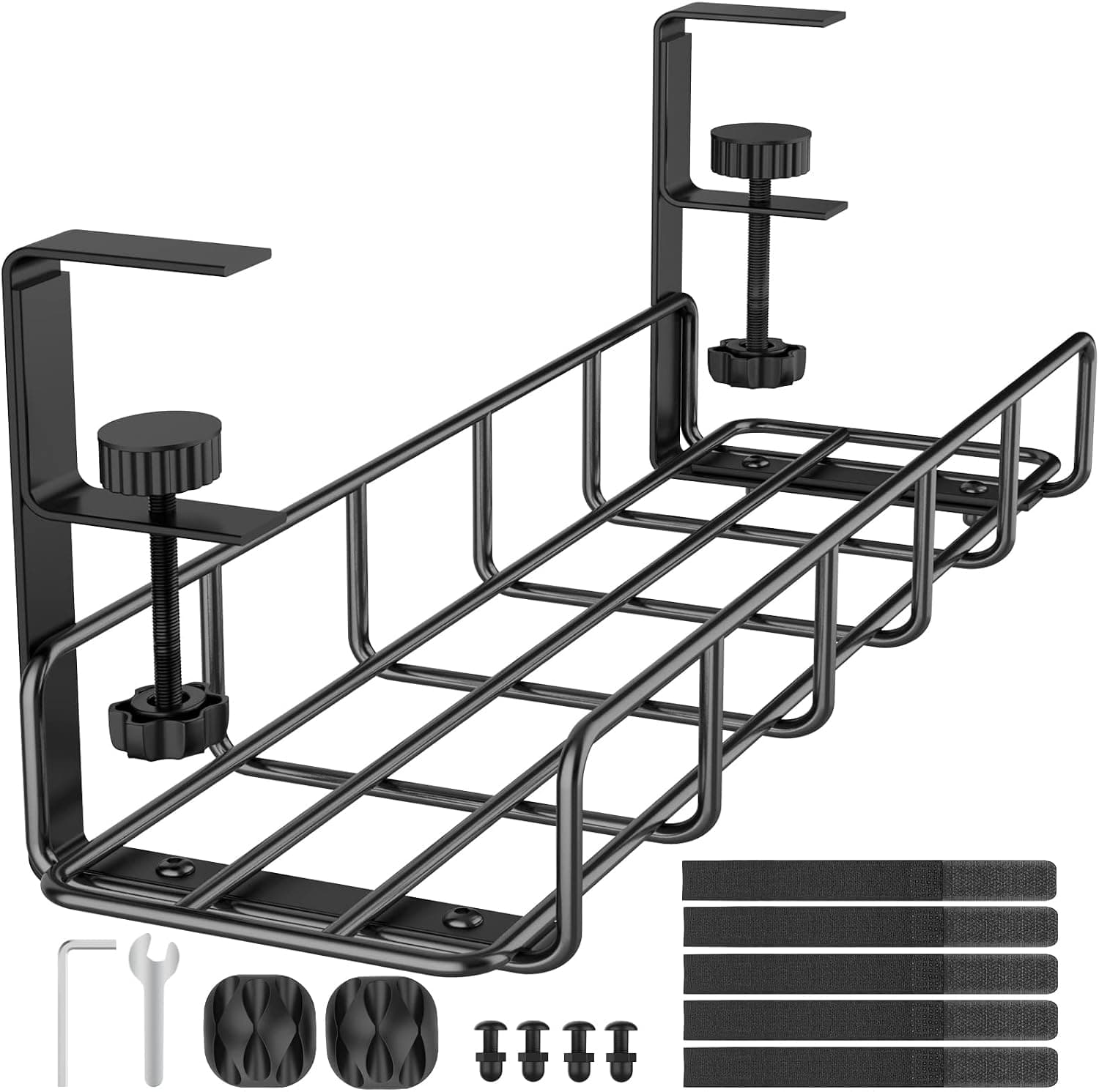
Published 2026-07-05 · Updated 2026-07-26