
Best minimalist desk accessories in 2026
Minimal desk accessories that earn their spot — fewer objects, better materials, and nothing that duplicates what your monitor arm already solved.
Read the criteria and trade-offs first. Product picks come after so you can skip anything that fails your desk, room, or return window. How we research.
This guide may include affiliate links. Prices are approximate.
Bottom line for minimalist setups
Minimalist desk accessories are not about owning nothing — they are about each object doing two jobs or solving one problem completely. One desk pad instead of pad plus coaster plus mouse mat. One cable snap instead of six clips. One laptop stand instead of books.
Start with the K KNODEL desk mat if visual calm is the goal. Add JOTO cable sleeves for cable discipline. Use the foldable BESIGN LS10 on laptop-only desks before buying a monitor arm and second screen.
Subtract before you add — remove the promo mug, dead pens, and duplicate chargers first.
The minimalist buying filter
Ask: does this replace something or add a new category? Monitor arms replace stands and free space — good. A phone stand, wireless charger, and cable dock doing the same job — bad.
Prefer materials that look good without decoration: wool, leather, aluminum, matte steel. Logos and RGB fight minimalism.
Neutral colors (grey, tan, black, white) survive monitor and desk changes without another shopping trip.
What minimalists skip
Desk toy collections, duplicate USB hubs when the dock already has ports, pen holders with fifteen slots for two pens.
Oversized desk calendars replaced by one digital calendar on the phone.
Third-party monitor light plus desk lamp plus ring light — pick one lighting solution.
More organizers when the real problem is unneeded stuff on the desk.
What mattered when comparing minimal gear
Each pick consolidates functions or eliminates visual clutter without sacrificing daily utility — not empty desks that break on day three of real work.
A quality desk mat and an adjustable metal laptop stand cover the visual tier common in minimal desk tours while staying functional for WFH. JOTO-style cable sleeves are the rare accessory category that looks designed, not an afterthought.
We skipped gadget bundles and multi-device charging towers that dominate surface area.
Minimalist desk mistakes that add noise
Do not buy minimalism as a aesthetic without deleting items first — hiding clutter in drawers is fine, buying more boxes is not.
Avoid all-white setups if you drink coffee daily — stain math is real.
Do not remove ergonomics for looks — footrests and stands still matter on minimal desks.
Resist matching every accessory to one brand — function first, palette second.
Minimalism that still works daily
A minimalist desk is not empty — it is only objects with recurring jobs. Phone stand, one pen cup, one cable path, one light source. Everything else lives in a drawer until a project needs it.
Match finishes so five black plastics do not clash with warm wood. Two materials maximum on the visible surface reads intentional on camera.
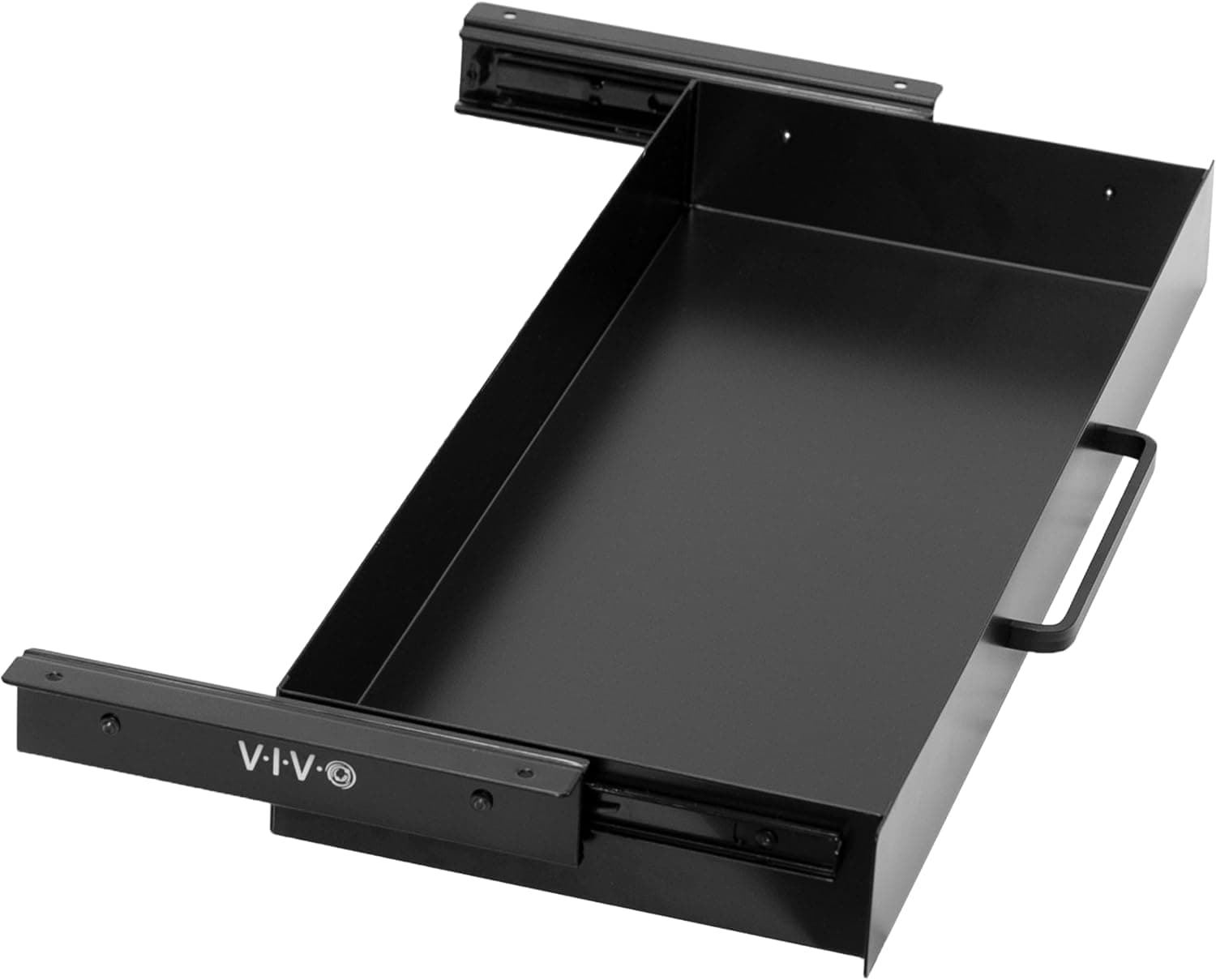
Hidden storage beats visible ‘organizers’ that become junk bowls. A shallow drawer tray for dongles beats a desktop grid of empty compartments.
High-impact small upgrades
Cable sleeve color-matched to the desk edge removes visual spaghetti faster than any sculptural object.
A single quality desk mat defines mouse and keyboard territory so random mail does not encroach.
Monitor light bar or one small lamp replaces three accent LEDs that flicker on video.
Resist these minimalist traps
Magnetic fake plants, novelty timers, and duplicate charging stands ‘because they look clean’ accumulate. One charging hub, one watch stand — not both plus a third for guests.
Clear acrylic everything shows fingerprints and dust. Matte metal or felt ages better on video calls.
Weekly reset ritual
Friday: remove anything that did not get touched during the week. If it survived three Fridays, it earns a permanent slot.
Photograph the desk when it feels right. Use that photo as the reference when clutter creeps back after a busy sprint.
Skip if visible clutter is your workflow
Minimalism that hides active reference stacks can slow ADHD and creative workflows that rely on spatial memory. If you genuinely find papers faster in controlled piles, a single inbox tray beats five identical empty organizers.
Do not purge tools you touch weekly just because they look busy on camera. A label maker, footrest, and second monitor arm may be visually loud but still minimal by function-per-object math.
Apartment desks that double as dining tables need reversible minimalism — everything in a drawer by dinner, not permanent austerity that fights household life. Skip wall-mounted sculptural storage if you must clear the surface nightly.
Cable routing in minimal setups
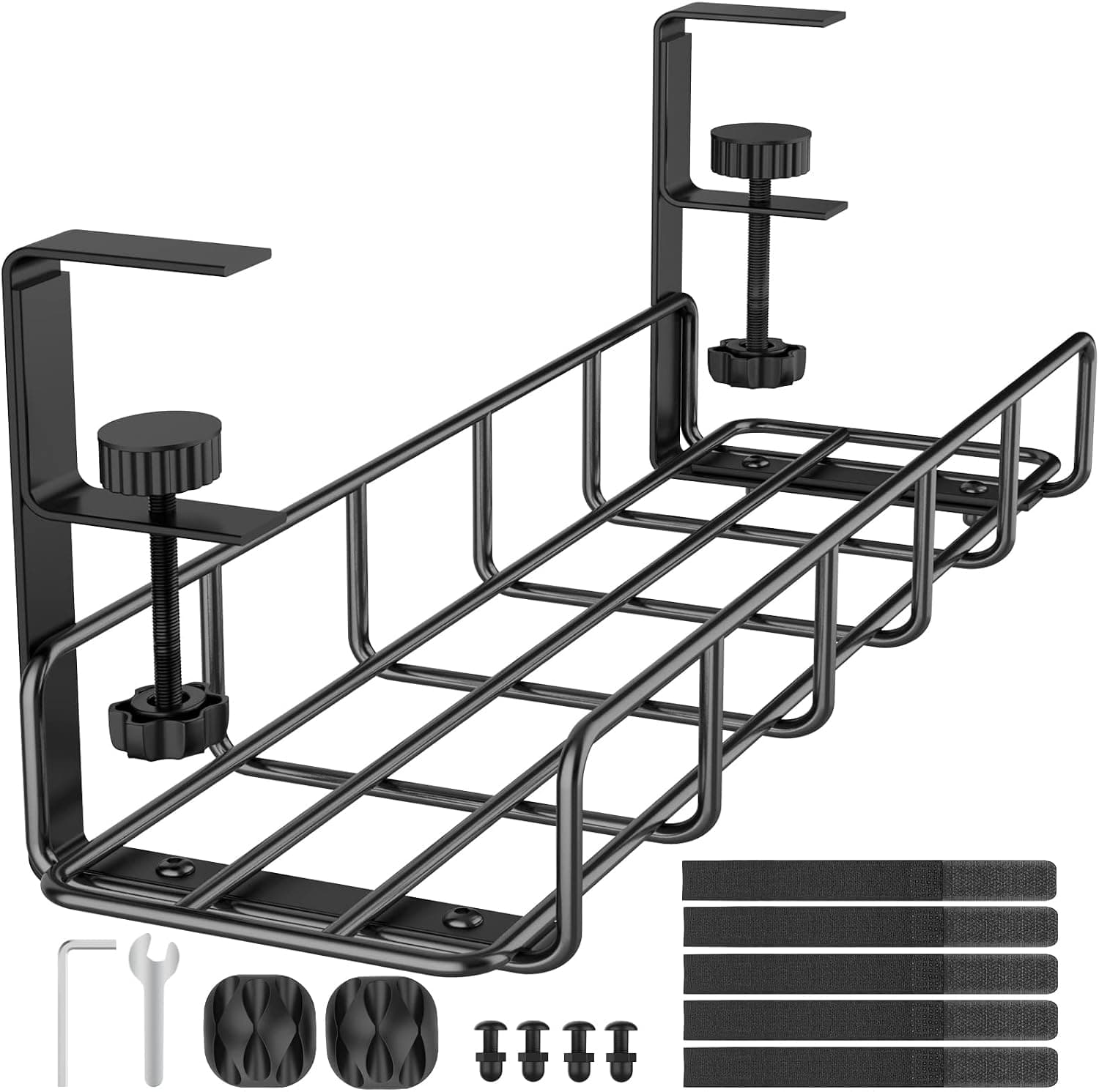
Minimal desks fail when one visible cable becomes the entire aesthetic problem. A single fabric sleeve matched to the desk edge often beats three sculptural organizers that still leave a HDMI tail exposed. Route power once under a tray, then clip only the two paths that cross the visible surface daily.
Apartment power strips crowded under a slim desk generate heat and visual guilt when you peek below. Consolidate bricks in one tray even if the top stays sparse — minimalism includes the view from your camera angle during standups, not just the hero shot from the chair.
Who should skip buying more accessories: workers who already own a dock, mat, and lamp but feel guilty about Instagram desks. Audit function before adding a fourth black plastic object. Return-window test: remove one item for a week; if productivity unchanged, it was decoration.
Return-window aesthetic reality checks
Clear acrylic organizers look invisible in photos and filthy on week three — fingerprints and dust show on video calls. Matte metal, felt, and wood tones age better in real apartments with cooking grease and pet hair. Test the finish under your actual desk lamp before day fourteen.
Minimalist wireless chargers and hubs still need cables somewhere. If the hub lives on the desktop, count its wire as part of the object — a single charging puck with a visible USB-C tail is not minimal, it is incomplete routing. Sleeve the tail or move the hub under the panel.
Shared dining tables need minimalism that clears in one motion: one drawer tray lifted to a shelf beats five desktop objects you stack individually every night. Skip heavy marble phone stands that scratch laminate when rushed; a felt pad or cork coaster base travels cleaner between kitchen and bedroom desks.
One-drawer reset for dining-table desks
Apartment minimalism that survives dinner setup: one shallow drawer or lift-tray holds dongles, pen, and phone stand — everything else clears to a shelf in one motion. If reset takes more than ninety seconds, the system will fail by week two.
Match object count to transitions, not aesthetics. Phone dock, one writing tool, one cable sleeve visible; mail and notebooks live in the drawer until morning.
Neutral finishes hide dust on video; black plastic grids show every crumb when the camera angle points down during standups.
Who should skip buying more organizers: desks already working with a mat, dock, and lamp — audit before adding a fourth sculptural object that needs dusting.
Week-two when minimalism hides missing tools
Purging label makers, footrests, or second monitors because they look busy creates hidden friction by week two — minimal by function beats empty by photo. Remove only objects unused for three Fridays.
Clear acrylic phone stands show fingerprints by day ten and read as smudges on camera. Matte metal or wood phone docks age better in real apartments with cooking grease.
Wireless chargers still need a cable somewhere. Minimal tops with hidden tails under the desk beat pucks with visible USB-C droops that break the calm line.
Shared households: minimalism must survive someone else setting mail on your desk. One defined inbox tray beats policing empty surface rules that roommates will ignore.
Short answers below — use them only if the criteria above already match your constraints.
Quick picks
Best surface anchor
K KNODEL leather desk mat
One mat unifies keyboard zone and protects the desk — no separate coaster, mouse pad, or tray.
Best cable hide
JOTO cable sleeve
Single magnetic clip beats a bundle of adhesive hooks visually.
Best vertical lift
BESIGN LS10
One foldable stand and an external keyboard create a minimal laptop-first setup.
Our top picks
These products illustrate the criteria above — they are not a mandatory shopping list. Skip any pick that fails your desk depth, budget, noise limits, or return logistics.
Best overallA dual-sided PU leather pad that defines the entire work zone — replaces separate mouse pads and coasters while protecting the surface in one rectangular piece.
Best for: Minimal setups where one visual anchor beats five small accessories.
- +Single object covers keyboard and mouse area
- +Wipe-clean surface — practical for daily coffee drinkers
- +Hides minor desk scratches underneath
- −PU leather, not boutique vegetable-tanned leather
- −Lighter colors show wear faster than black
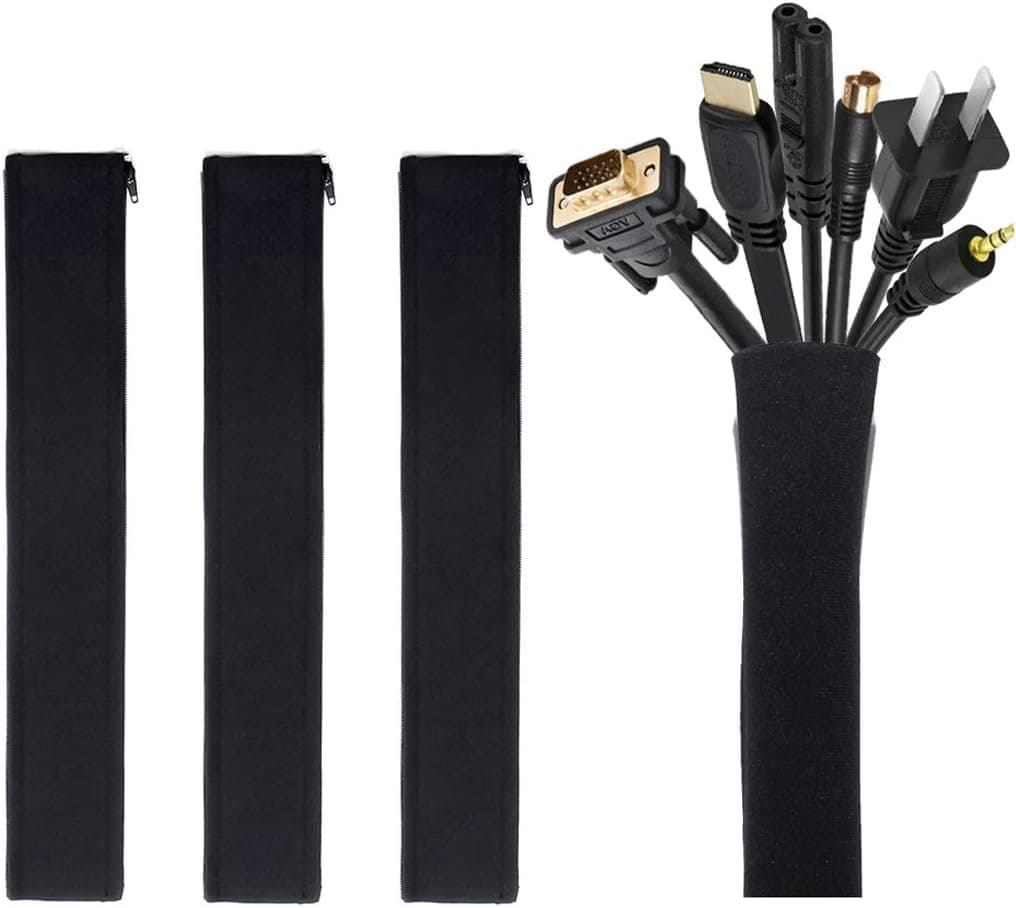 Best cable minimalism
A weighted magnetic clip that holds charging cables at desk edge — one clean anchor instead of three plastic adhesive hooks crawling up the leg.
Best for: Minimal desks with one or two nightly-charged devices.
- +Looks intentional vs utilitarian clips
- +Magnetic release when you grab the cable
- +Small footprint on desk edge
- −Holds one cable per unit — buy two if phone and laptop both charge
- −Not for thick power cords — USB/lightning scale
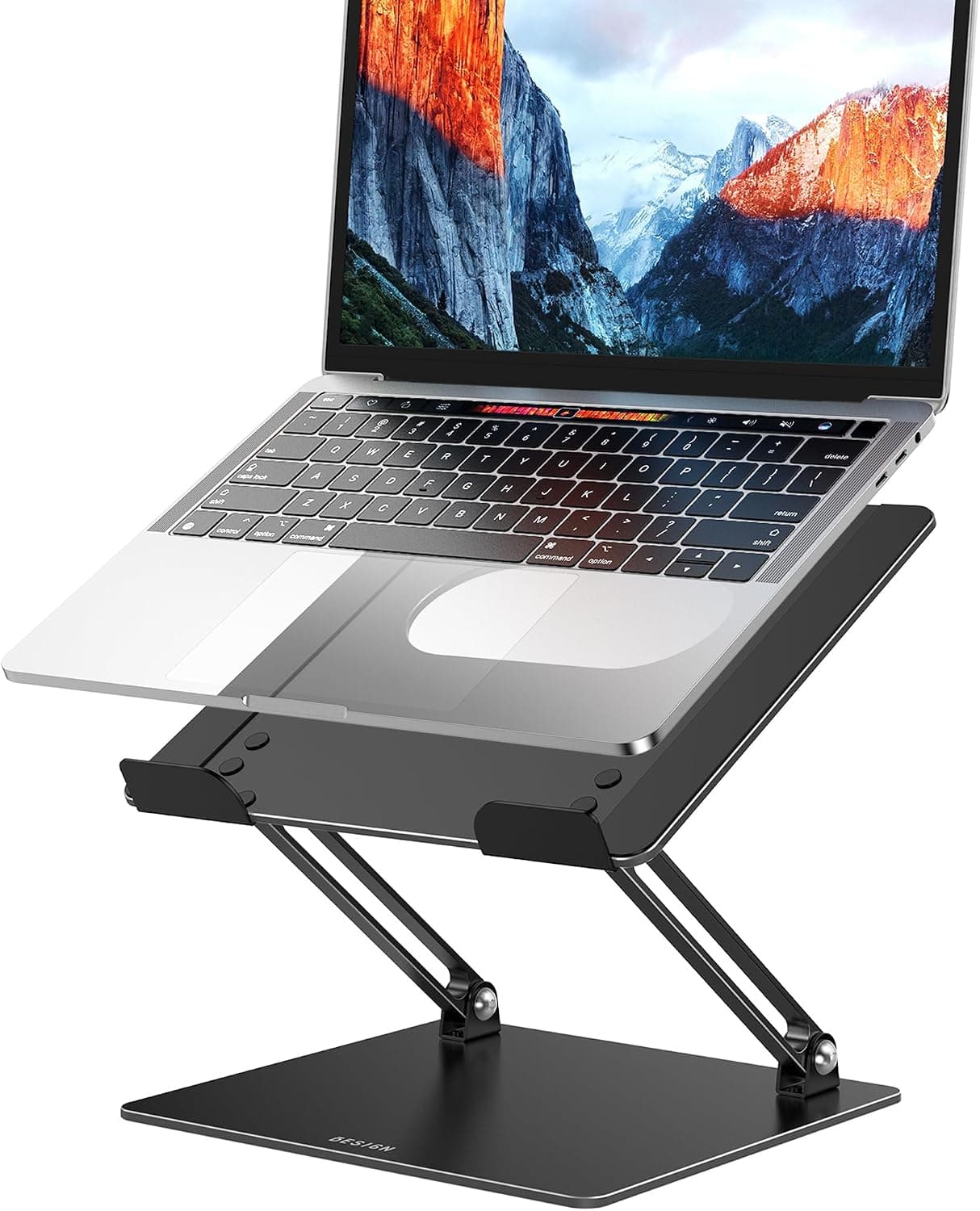 Best laptop minimalism
A foldable laptop riser with adjustable height and angle — raises the screen, clears keyboard space, and packs down when a minimalist desk must become a dining table.
Best for: Laptop minimalists who need ergonomic adjustment without a permanent fixed stand.
- +Folds away when the desk serves another purpose
- +Adjustable height works with more chair positions
- +Open metal frame supports laptop cooling
- −More visible joints than a fixed sculptural stand
- −Best with a separate keyboard at elevated heights
Side-by-side comparison
| Feature | Desk pad | Cable clip | Laptop stand |
|---|---|---|---|
| Typical price | $15 – $30 | $15 – $25 | $50 – $70 |
| Items replaced | Mouse pad + coaster + mat | Multiple adhesive clips | Stack of books / random riser |
| Visual noise | Low — one plane | Very low — one point | Low — single silhouette |
| Best if you… | Want unified desk aesthetic | Hate visible USB runs | Laptop-first minimal setup |
The verdict
Build minimal around one surface anchor (K KNODEL desk mat), one cable point (JOTO cable sleeve), and one elevation tool (BESIGN LS10 on laptop setups). Delete duplicate gear first — minimal accessories only work when they are not fighting clutter you should have tossed.
Advertisement
Ad placement activates after cookie consent.
FAQ
How many items should be on a minimalist desk?+
No universal number — aim for everything visible to have a daily use. Screen, input devices, one light, one mat, one drink. Weekly-use items live in drawers.
Minimalist desk with dual monitors?+
Use a monitor arm to float both screens and eliminate dual stands. One mat across the remaining surface. Route cables once through a tray — visibility drops dramatically.
Are minimalist accessories worth premium prices?+
Only if you keep them for years. A $99 mat you use daily for three years beats three $20 mats that curl. Cheap minimal often looks cheap.
Wireless everything for minimal cables?+
Wireless keyboard and mouse help. Laptops still charge, monitors still have cords — cable snaps and trays matter even on wireless desks.
Related guides
Keep reading
Published 2026-07-05 · Updated 2026-07-26