Best Portable Monitor for Travel & Remote Work (2026)
The best travel monitor for laptop workflows — USB-C portable screens for WFH, flights, and small desks, with picks that beat a heavy second display.
We keep the shortlist small on purpose. One strong fit beats three mediocre Amazon cards. How we research.
Affiliate links may be present. Prices are approximate.
Bottom line for portable second screens
Portable monitors make sense when you travel or hot-desk weekly and need dual screens without shipping a 27-inch panel. ASUS ZenScreen MB16AC is the default USB-C pick. Arzopa saves money for occasional use. ThinkVision M14 suits MacBook pros who want smaller carry weight.
If you never leave home, a fixed 27-inch monitor beats portables on price and ergonomics.
Confirm your laptop USB-C port supports video out and enough power delivery.
Single cable USB-C requirements
True one-cable portables need DisplayPort Alt Mode and sufficient wattage from the laptop port. Some laptops require charger plus monitor cable — read your spec sheet.
USB-C hubs can pass video but may limit refresh or brightness — direct laptop connection works best.
HDMI-only portables need power brick plus HDMI — less elegant but universal.
Portable vs desktop second monitor
Desktop monitors offer better ergonomics with arms, higher resolution, and larger text at 27 inches. Portables win on grams and square inches in a bag.
Many workers use fixed monitor at home and portable for travel — not either-or.
Portables sit lower than eye level on laptop stands — prop with cover stand and consider a small riser for long days.
What mattered when comparing travel monitors
Weight, single-cable USB-C reliability, and IPS viewing angles were mandatory. ASUS ZenScreen line has the longest track record. Arzopa represents acceptable budget tier. ThinkVision M14 is the business-travel standard.
We skipped giant 17-inch portables that stop fitting carry-on workflows.
Portable monitor mistakes on the road
Do not assume all USB-C ports on a laptop carry video — check manual.
Avoid portables without a stand solution — neck strain follows.
Do not compare portable 1080p to home 4K — adjust scaling expectations.
Skip portables if you only work from one desk — buy a 27-inch instead.
Portability vs desk monitors
A portable USB-C monitor earns its bag slot when you weekly relocate — client sites, kitchen tables, hotel desks. If you only work from one room, a normal IPS panel on an arm is usually sharper and cheaper per inch.
Check single-cable power+video on your laptop. Some “portable” screens still need a second power brick, which erodes the point.
15–16" class screens pair with ultraportables; 17–18" class is nicer for sheets but heavier. Weigh the case you will actually carry.
Kickstand cases that double as sleeves save bag space. A monitor plus loose stand plus power brick often exceeds carry-on weight limits faster than the panel alone.
Color, brightness, and outdoor myth
Most portable panels are fine for docs and slides, weaker for photo grading. Factory brightness varies — outdoor patio work usually still needs shade.
Matte coatings reduce reflections in living rooms with big windows. Glossy units look punchier on product shots and harsher under overhead lights.
HDR badges on travel panels are often marketing soft. For spreadsheet work, stable 1080p at comfortable brightness beats spec-sheet HDR you will never calibrate on the road.
Stand and cable kit
Budget for a foldable stand or case that props at a usable angle. A monitor that only lies flat against books fails within a week. Pack a short USB-C cable rated for video, not a charge-only cable from the junk drawer.
On airplanes and cafés, respect privacy — filter sleeves exist if you handle sensitive screens next to strangers.
Label your cable “video” with tape. Hotel desks become debugging sessions when the only USB-C lead in your bag is charge-only.
Laptop pairing and scaling
Match resolution expectations. A 4K portable next to a 1080p laptop screen forces constant zoom juggling unless you set per-display scaling in the OS.
Some laptops disable the internal panel when driving certain USB-C displays. Know whether you lose the laptop screen before you plan a dual-screen hotel workflow.
When to skip portability
If your “travel” is one coffee shop afternoon a month, borrowing a fixed second monitor at home is smarter economics.
Developers who need font clarity at small sizes may prefer a desk 27-inch IPS and leave the portable for sales trips only.
Return window and travel stress tests
Unpack the panel and run one full workday before day fourteen. Test single-cable USB-C on your actual laptop, not a store demo machine. Sleep and wake, lid close, and dock reconnect expose power quirks that a five-minute unboxing misses.
Pack and repack the case twice. Panels that feel fine on a kitchen table can flex in a backpack if the kickstand hinge is weak. Check for pixel damage after the first trip — pressure on the glass from a crowded messenger bag is a common return reason.
Hotel desks and café tables are narrower than home setups. Confirm the stand props at a stable angle on a slick surface and that the shortest video cable in your bag still reaches without hanging the port. If you present confidential spreadsheets, verify privacy filter compatibility before you fly.
Apartment desk vs travel sizing
A 16-inch portable panel on a 20-inch deep apartment desk often leaves no room for a full keyboard in front — size travel gear against your smallest regular surface, not just the airline tray table. If home is laptop-clamshell with external keyboard, measure total depth with the kickstand deployed before you assume dual-screen comfort.
Who should skip portables: workers who never leave one room, developers who need color accuracy on a budget, and anyone whose laptop lacks reliable USB-C video alt-mode. A fixed 24-inch IPS on an arm delivers more pixels per dollar when travel is quarterly, not weekly.
Heat and cable weight accumulate in a messenger bag — a panel plus 100 W brick plus hub can pull one shoulder unevenly on a walk-up commute. Prefer cases with rigid spines and label your video-rated USB-C cable so hotel debugging does not become an hour of charge-only leads. Return panels that wake dim or flicker after sleep on your exact OS build.
Bag and hotel desk realities
Treat the portable panel as a second screen you will actually pack — weigh the case with cable and stand. If the kit exceeds what you carry twice a week, buy a better primary monitor for home instead.
Hotel desks are shallow; confirmatory fold angles before travel week. Charge-only USB-C cables in the junk drawer will brick the display on the client site — pack a known video-rated cable in the sleeve.
Skip portable monitors if you only work from one room: a normal IPS with an arm usually costs less per useful inch and looks sharper on spreadsheet work.
Five-minute client-site setup sequence
Unpack order: stand first, panel second, cable last. Prop the stand on the hotel desk before you plug USB-C — a panel hanging from a loose port bends connectors when the kickstand is still folding.
Connect power+video cable, wait five seconds, then open laptop display settings. Force mirror or extend before you join the meeting — Windows and macOS remember different layouts per dock and hotel desk.
Pack the same labeled video cable every trip. Debugging charge-only leads in a client lobby burns credibility faster than a smaller screen.
Privacy: sit with the portable panel facing away from foot traffic. A filter sleeve matters more in open lobbies than at home — shoulder surfers walk slower but stare longer.
Week-two hinge looseness after daily pack
Kickstand hinges loosen after fifty open-close cycles, not five. If the panel wobbles during typing by week two, return inside the window — shims and rubber bands are not professional fixes on a sales road.
Screen flex in backpacks shows as corner dimming or dead pixels after the first flight. Use a rigid case spine; soft sleeves let the glass take pressure from a water bottle in the same pocket.
USB-C ports on travel panels can feel loose when the cable weight hangs unsupported. A short right-angle adapter reduces leverage on the socket — return if the port wiggles before the hinge fails.
Heat from closed-bag storage on commute days can warp cheap plastic stands. Unpack when you get home; do not leave the panel in a hot car between coworking and dinner.
Short answers below — use them only if the criteria above already match your constraints.
Quick picks
Best overall
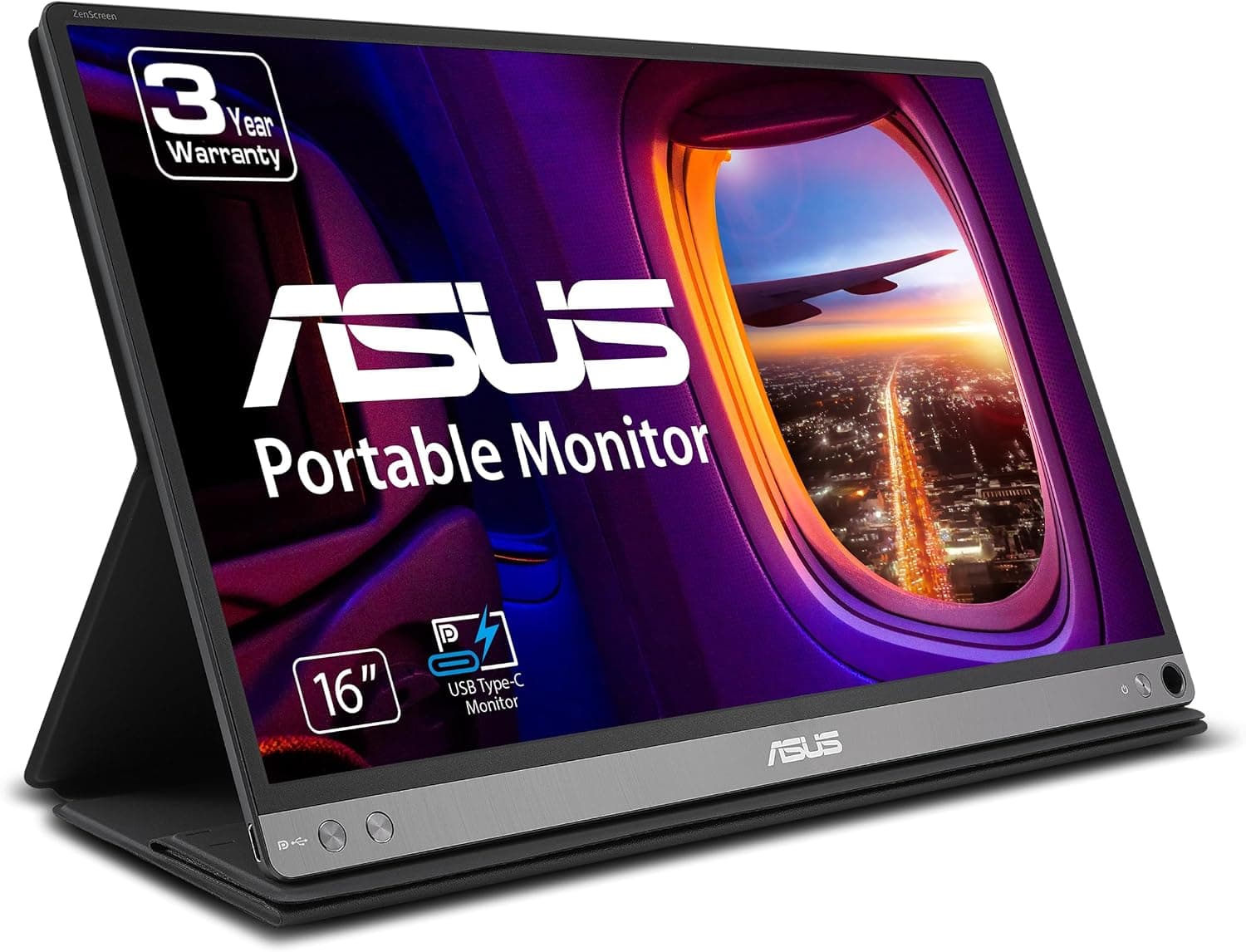
ASUS ZenScreen MB16AC
Single USB-C cable for power and video — true portable workflow.
Best 1080p value
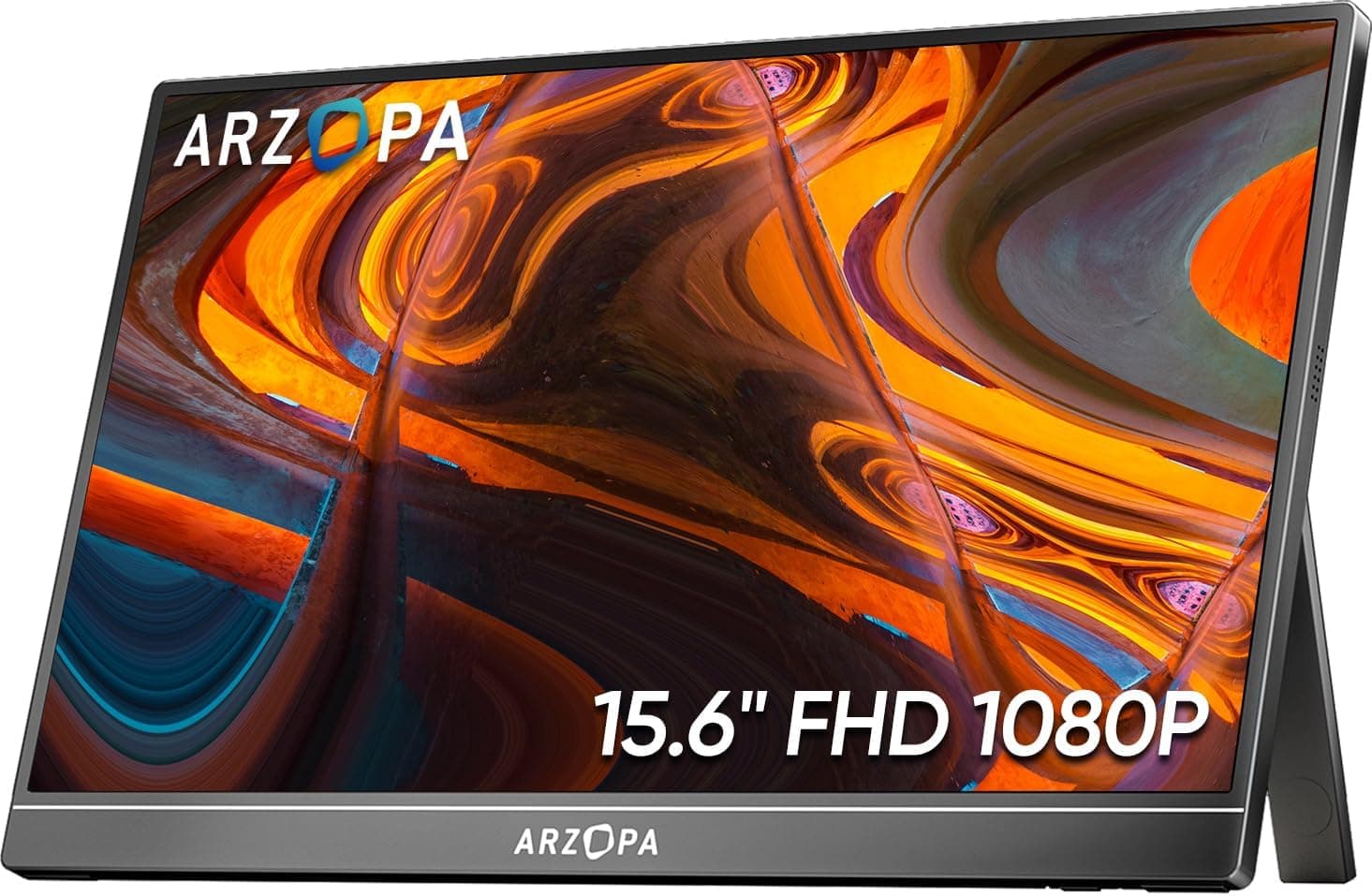
Arzopa portable monitor
Lightweight second screen under $150 for occasional travel.
Best for Mac
Lenovo ThinkVision M14
Reliable USB-C compatibility and business build quality.
Default picks (skip if constraints disagree)
These products illustrate the criteria above — they are not a mandatory shopping list. Skip any pick that fails your desk depth, budget, noise limits, or return logistics.
Best overallA 15.6-inch USB-C portable monitor that draws power and display signal over one cable from compatible laptops — the reference implementation for mobile dual-screen setups.
Best for: Consultants and hybrid workers who dual-screen in hotels, cafes, and client offices.
- +One USB-C cable when laptop supports DisplayPort Alt Mode
- +Foldable smart cover doubles as stand
- +IPS panel with decent viewing angles
- −1080p at 15.6″ — text slightly soft vs 4K
- −Needs USB-C power budget — may not work on all ports simultaneously
 Best value
A budget portable IPS panel with USB-C and HDMI — enough screen estate for Slack plus spreadsheet when traveling without carrying a full desktop monitor.
Best for: Occasional travel dual-screen on a budget.
- +Low price for portable category
- +Includes sleeve and multiple cables
- +Lightweight in backpack
- −Build and color accuracy below premium portables
- −May need two cables on some laptops — power plus video
Side-by-side comparison
| Feature | ASUS ZenScreen | Arzopa 15.6″ | ThinkVision M14 |
|---|---|---|---|
| Typical price | $200 – $250 | $100 – $140 | $220 – $280 |
| Panel | 15.6″ IPS 1080p | 15.6″ IPS 1080p | 14″ IPS 1080p |
| Single USB-C | Yes | Yes on many models | Yes |
| Weight | ~1.5 lb | ~1.7 lb | ~1.3 lb |
| Best if you… | Travel weekly | Budget second screen | MacBook Pro daily driver |
The verdict
Frequent travelers should buy ASUS ZenScreen MB16AC for one-cable simplicity. Occasional trippers save with Arzopa. Mac-centric mobile workers pick ThinkVision M14 for size and reliability — home-only workers should buy a fixed monitor instead.
Advertisement
Ad placement activates after cookie consent.
FAQ
Portable monitor for M1 MacBook Air?+
M1 Air supports one external display natively — a portable counts as that display. M2/M3 non-Pro models have similar limits — verify Apple specs for your chip.
Does portable drain laptop battery?+
Yes — power draw from USB-C reduces runtime. Plug in charger during long dual-screen sessions.
1080p enough at 15.6 inches?+
Acceptable for productivity and travel. Text is sharper on 4K portables but cost and power jump significantly.
Mount portable monitor on arm?+
Most lack VESA — use included cover stand or third-party clip mounts designed for portables. Not standard monitor arm compatible.
Related guides
Keep reading
Published 2026-07-05 · Updated 2026-07-26