Best Standing Desk Mat & Anti-Fatigue Mat (2026)
The best standing desk mats for leg comfort at home — dense foam anti-fatigue picks, flat vs cushioned, and how long to stand each day.
Read the criteria and trade-offs first. Product picks come after so you can skip anything that fails your desk, room, or return window. How we research.
Some links may earn a commission at no extra cost to you. Prices are approximate.
Bottom line for anti-fatigue mats
If you stand more than 30 minutes at a time, an anti-fatigue mat is not optional — it is the highest-comfort-per-dollar standing desk accessory. Buy the Sky Solutions mat for daily use, Kangaroo if you need width, Amazon Basics to test the habit cheaply.
Standing on bare hardwood or office carpet without a mat often causes sore feet, knee strain, and a subtle posture shift that defeats ergonomic benefits.
Mats do not replace alternating sit and stand — they make standing blocks sustainable when you do stand.
Why kitchen mats fail at desks
Soft gel kitchen mats feel good for five minutes and flatten under sustained weight. Anti-fatigue mats for desks use denser foam or rubber composites that return shape and provide stable footing for typing.
Beveled edges matter at desks because you step on and off more often than at a sink — square edges trip toes.
Thickness around 3/4 inch is the common sweet spot — ultra-thin mats slide; ultra-thick mats feel unstable for precision mouse work nearby.
How long to stand each day
Ergonomists generally recommend alternating sit and stand every 30 to 60 minutes rather than standing all day. Mats support that rhythm — they do not justify eight hours of continuous standing.
Build from 15 to 30 minute standing blocks in week one. A good mat makes week two feel possible; a bad mat makes you abandon standing entirely.
Pair mats with proper screen height — monitor arms help more than mats if you stand but still crane your neck downward.
What mattered when comparing standing mats
Density and edge design mattered more than brand marketing. Sky Solutions consistently hits the firm-but-forgiving profile remote workers describe as ideal.
Kangaroo earns the wide slot for users who pace on calls or use wider standing desk footprints. Amazon Basics is the honest budget tier — fine for testing, often replaced within a year by heavy users.
Standing mat mistakes that hurt comfort
Do not stand all day on day one because you bought a mat — build duration gradually.
Avoid placing mats on thick plush carpet without a grip layer — some mats slide.
Do not use the same mat for shoes with sharp heels daily — foam wears unevenly.
Skip novelty balance-board-only setups if basic standing still hurts — fix the mat first.
What anti-fatigue mats actually do
They encourage micro-movements in calves and feet during standing blocks, which reduces locked-knee discomfort. They do not replace changing posture or sitting breaks.
Foam density beats thickness alone. Mushy 1-inch mats feel nice for ten minutes then bottom out. Firmer composites with beveled edges trip fewer toes.
Desk mat vs floor mat: keyboard mats do not substitute for under-foot support. Use both in different zones.
Shoes, socks, and apartment floors
Bare feet or house socks work on matte-textured surfaces; glossy mats get slippery. Keep a pair of indoor shoes if you stand after morning coffee spills.
Renters on hardwood should avoid mats that stain from rubber off-gassing or leave permanent compression marks. Lift and vacuum underneath weekly.
Sizing for small standing desks
Match mat width to where your feet land, not the full desk footprint. A 24×36 inch mat often suffices on a 48-inch top if you stand centered.
Chair casters should not roll onto the anti-fatigue mat — transitions trip people. Place the mat only under the standing zone.
When to skip buying a mat
If you stand fewer than 30 cumulative minutes daily, a mat may gather dust. Invest in sit-stand habit first.
Very low desk frames with little toe clearance can catch thick mat bevels. Measure edge height before ordering.
Sizing mat footprint in prose
Stand naturally at your desk and note where your feet land — usually shoulder-width apart, not centered on the desk width. A 24-by-36-inch mat covers many 48-inch tops; a 30-by-48-inch mat makes sense when you pace side to side during calls.
Chair casters should never roll onto anti-fatigue foam. Place the mat only under the standing zone and keep a hard transition at the bevel. Trips at the mat edge are more common than fatigue from standing without one.
Apartment hardwood may show compression rings if you leave a heavy mat unmoved for months. Lift and vacuum underneath weekly, and skip ultra-soft mats that bottom out in ten minutes — firm support beats plush that feels nice only in the product photo.
Return-window standing fatigue test
Use the mat for five consecutive workdays before the return deadline — not one enthusiastic morning. Track calf and low-back feel after 45-minute standing blocks. A mat that feels plush for ten minutes and hard by hour two failed the job; firm composites with beveled edges usually outlast mushy one-inch foam.
Test with the shoes you actually wear at home: barefoot, socks, or indoor trainers change grip on glossy surfaces. If you slide during pivot moves on calls, return for a textured top or keep indoor shoes dedicated to the desk zone.
Standing-desk users should verify toe clearance at lowest desk height — thick bevels can catch when the frame drops. Photograph mat position relative to chair casters so rolling chairs do not half-mount the foam edge, which is both a trip hazard and a mat killer on apartment hardwood.
Who should skip anti-fatigue mats
If you stand fewer than thirty cumulative minutes on a typical workday, a mat may gather dust while you hunt for habit first. Sit-stand converters used mostly seated do not justify floor real estate in a 8-by-10 bedroom office where the mat blocks closet door swing.
Very low desk frames with minimal toe clearance can catch thick mat bevels when you lower the desk for seated work. Measure from floor to lowest crossbar before ordering a 3/4-inch profile. Who should still buy: neighbors you do not want to hear shoe scuff on hardwood during pacing calls.
Skip oversized mats that extend into roommate walkways in studio flats — a 36-inch depth mat centered under a 24-inch desk top creates a lip someone will trip on at midnight. Right-size to foot landing zone only; pair with a sitting footrest for hours when the desk stays low.
Short answers below — use them only if the criteria above already match your constraints.
Quick picks
Best overall
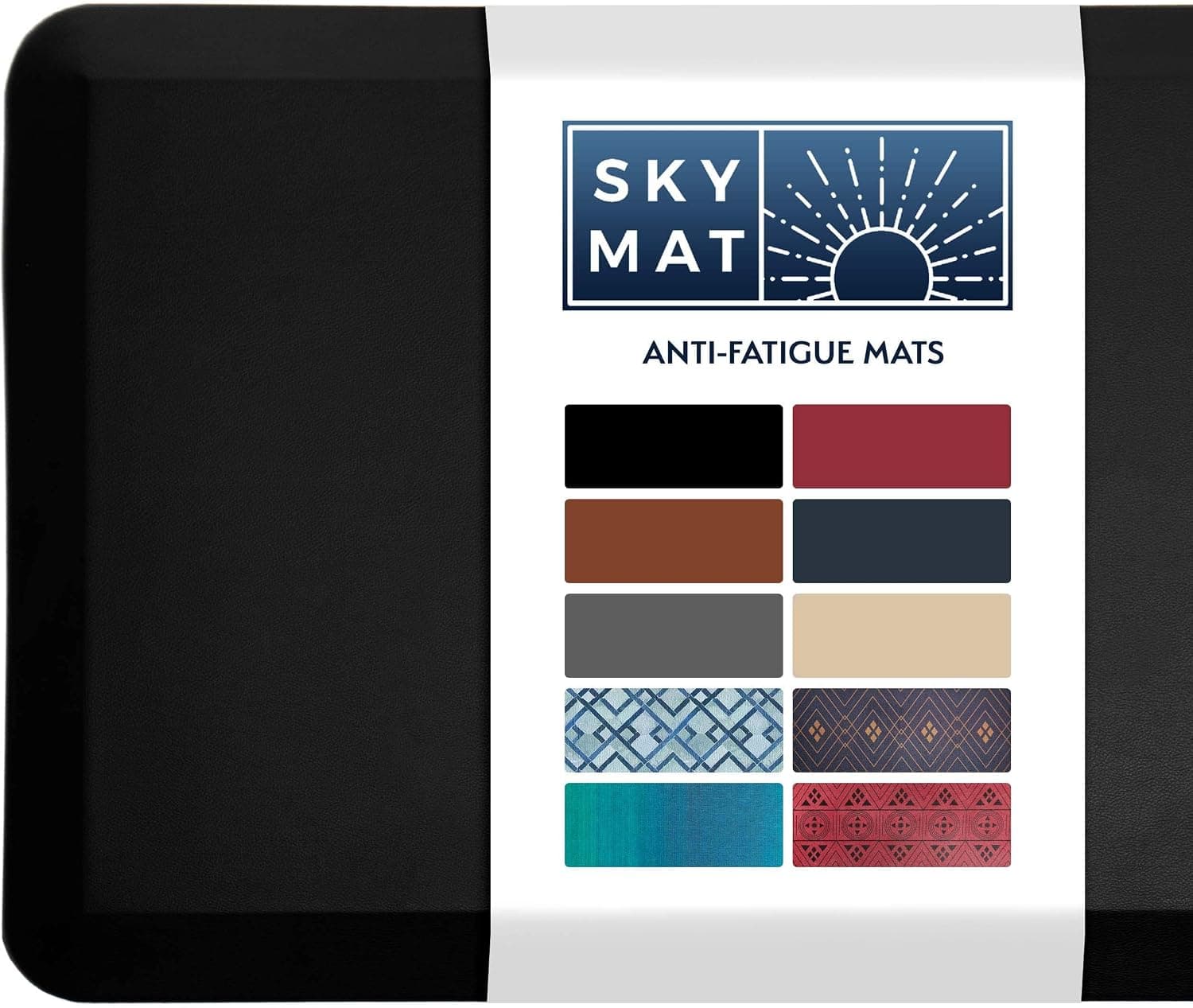
Sky Solutions anti-fatigue mat
Firm support with beveled edges — not the squishy kitchen-mat feel.
Best large
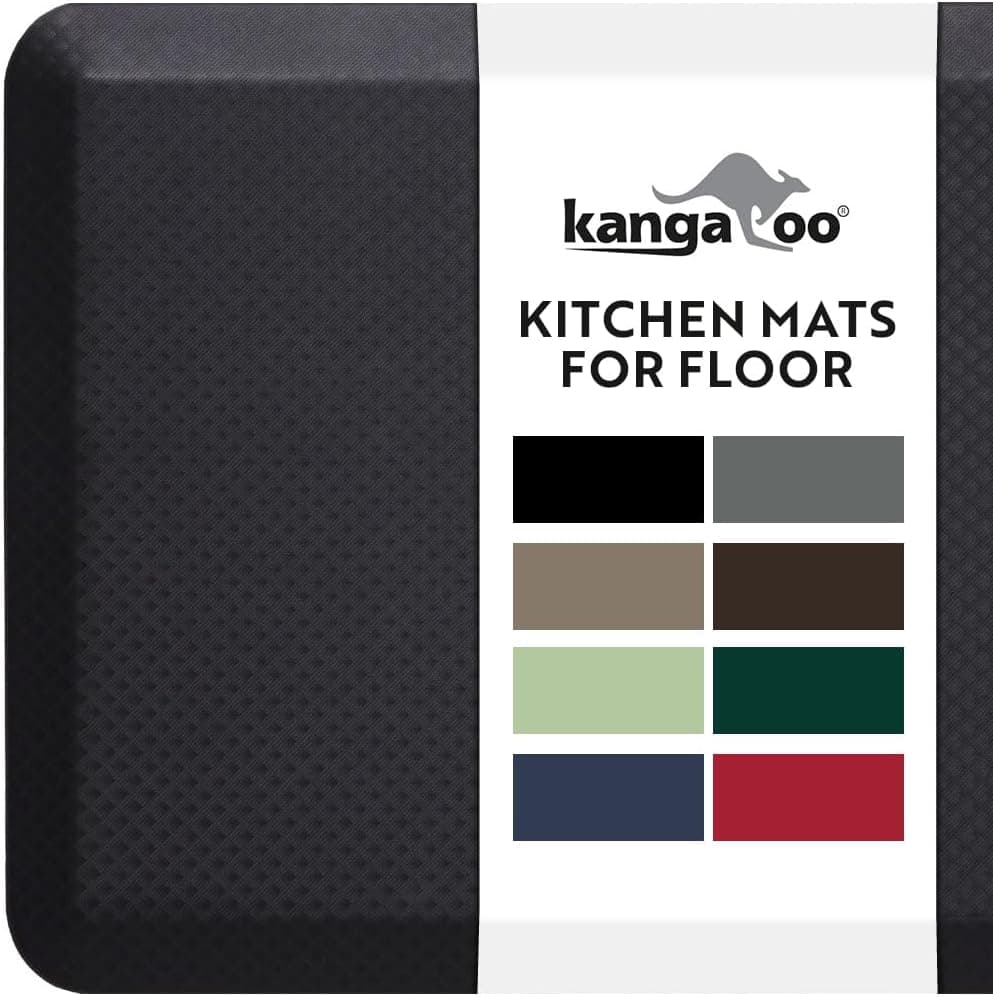
Kangaroo original mat
Extra width for sit-stand desks where you shift position often.
Best budget
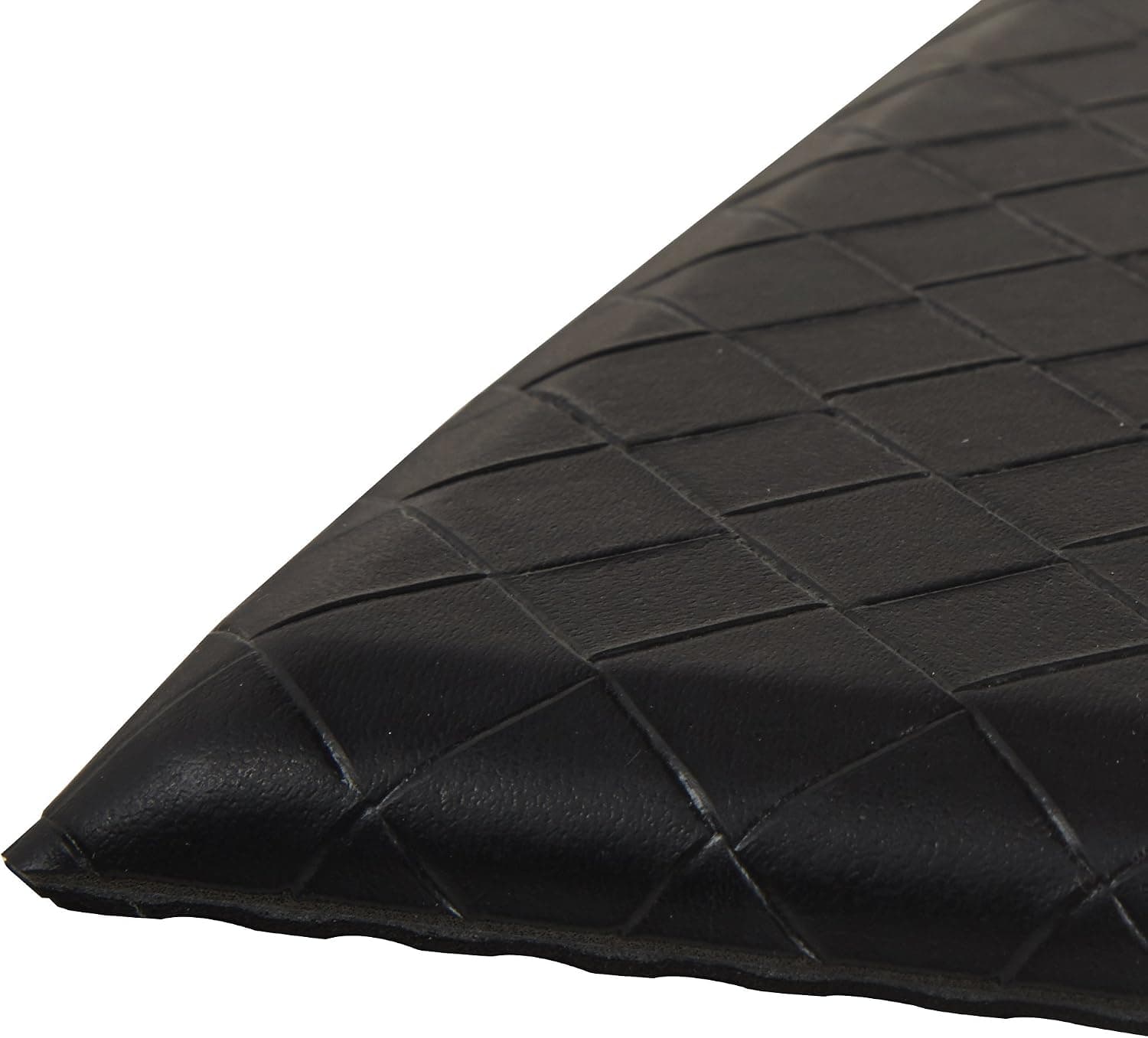
Amazon Basics anti-fatigue mat
Proves whether standing mats help before spending more.
Our top picks
These products illustrate the criteria above — they are not a mandatory shopping list. Skip any pick that fails your desk depth, budget, noise limits, or return logistics.
Best overallA dense mat with beveled edges that reduces foot and lower-back fatigue during standing blocks — the same pick we recommend in our standing desk accessories guide, focused here for mat-only buyers.
Best for: Remote workers who stand at least 30 minutes per session on hardwood or thin carpet.
- +Firm enough for stable typing, soft enough for joints
- +Beveled edges safe when stepping on and off
- +Easy to wipe and roll up for desk moves
- −Large footprint — measure floor space first
- −Rubber smell for first few days out of box
 Best wide mat
A wider mat with textured surface that encourages subtle foot movement — useful when you shift weight or pace slightly during calls on a standing desk.
Best for: People who stand wide or use anti-fatigue mats with balance boards nearby.
- +Extra width covers lateral shifts
- +Commercial-grade durability ratings
- +Multiple color options for home aesthetics
- −Premium price for mat-only purchase
- −Heavier to move when cleaning floor
 Best budget
An entry-level mat that lets you test whether standing comfort improves before investing in premium foam — adequate for light standing, not marathon sessions.
Best for: First-time standing desk users on a tight budget.
- +Low cost proof-of-concept
- +Beveled edge on most sizes
- +Easy return if standing does not stick
- −Compresses faster than premium mats under daily use
- −Less cushioning for long 2+ hour blocks
Side-by-side comparison
| Feature | Premium mat | Wide mat | Budget mat |
|---|---|---|---|
| Typical price | $35 – $50 | $50 – $70 | $20 – $30 |
| Density | Firm — stable footing | Medium-firm | Varies — check reviews |
| Beveled edges | Yes — reduces tripping | Usually yes | Sometimes |
| Best if you… | Stand 30+ min daily | Move laterally while standing | Testing standing first |
The verdict
Daily standers should buy the Sky Solutions mat — it is the best balance of support, edges, and price. Go Kangaroo for extra width or Amazon Basics to test standing cheaply before upgrading.
Advertisement
Ad placement activates after cookie consent.
FAQ
Anti-fatigue mat on carpet?+
Yes — carpet adds slight softness but not enough for long standing. A proper mat still reduces heel pressure and encourages micro-movements.
How big should the mat be?+
At minimum, cover where your feet rest at the keyboard. Wider mats help if you shift position or stand offset from center.
Mat or balance board?+
Mat first for basic comfort. Balance boards add movement for some users but are not substitutes for a good mat on flat standing.
How long do mats last?+
Premium dense mats often last 2–4 years of daily use. Budget mats may compress noticeably within 12 months of heavy standing.
Related guides
Keep reading

Published 2026-07-05 · Updated 2026-07-15