Comparison · 4 min read
Dining table vs dedicated desk for full-time remote work
When a dining table is good enough for WFH — and when the shared meal surface starts costing your back, focus, and evenings.

Decide with the comparison first. Product links only illustrate the formats — they are optional. How we research.
Some links may earn a commission. Product examples are optional; the decision framework comes first.
The real conflict is not furniture taste
A dining table fails full-time remote work for social reasons as often as ergonomic ones. When the same surface must clear for dinner, guests, or homework, your dock, notebook, and monitor never become a stable system. You rebuild the office every morning and tear it down every evening.
If that teardown takes under five minutes and you only work three half-days a week, the table can be rational. If you are on video calls daily and leave a laptop, hub, and notebook out overnight, you already have a desk problem — you just have not bought the furniture yet.
Measure height and depth before you blame the chair
Many dining tables sit 29–31 inches / 74–79 cm high. That can work with a proper task chair and an external keyboard. It fails when you type on a laptop flat on the table: shoulders shrug, wrists extend, and the screen sits too low.
Depth matters next. Under 18 inches / 46 cm of usable depth, a laptop plus notebook plus water glass becomes a shuffle. Dedicated desks in the 20–24 inch / 51–61 cm depth range leave room for a keyboard zone and a second reference surface.
If your table depth is fine but height is wrong, try a footrest and external keyboard before buying a desk. If depth is the bottleneck, furniture change beats another accessory.
When the dining table is still the right call
Keep the table if your lease ends within three months, you hot-desk between cafe and home, or the household will not tolerate a second large furniture piece in a studio.
Also keep it if your work is mostly reading and light typing with long breaks — not eight-hour engineering or trading days. Intensity of use is the filter, not whether Instagram shows a "proper" office.
Mitigations that help: a laptop stand, a rolling cart for the dock and cables, and a hard end-of-day reset so meals never fight sticky notes and HDMI tails.
When a dedicated desk pays for itself in a month
Buy a desk when weekday work exceeds about six hours at home, when evening conflict happens more than twice a week, or when cable teardown has caused a missed meeting or a damaged port.
A small dedicated desk also improves video framing. Dining chairs and open kitchens put housemates and cooking noise in the background. A corner desk with a wall behind you is easier to light and quieter on calls.
Budget realistically: a usable apartment desk plus a decent chair often costs less than three months of "temporary" gadgets bought to cope with a bad table.
Who should skip buying a desk right now
Skip if you travel more than you are home, if the only open wall cannot fit 40 inches / 100 cm of width, or if your employer is about to change your WFH status in weeks.
Skip premium standing desks until a cheap fixed desk proves you need a permanent zone. Standing frames do not fix meal conflict if the standing desk still lives in the dining lane.
Side-by-side comparison
| Feature | Dining table WFH | Dedicated desk |
|---|---|---|
| Typical cost to start | $0 if you already own one | $80 – $400 for a useful desk |
| Evening conflict | High — meals and guests reclaim the surface | Low — work stays in one zone |
| Ergonomic height | Often too high for laptop-only work | Easier to match chair + monitor |
| Cable / dock permanence | Hard — teardown most nights | Easy — tray and dock can stay |
| Best if you… | WFH part-time or travel often | Work 6+ hours most weekdays at home |
If you already know which format fits
Optional examples that illustrate the criteria above — not a mandatory shopping list. Skip any pick that fails desk depth, budget, noise, or return logistics.
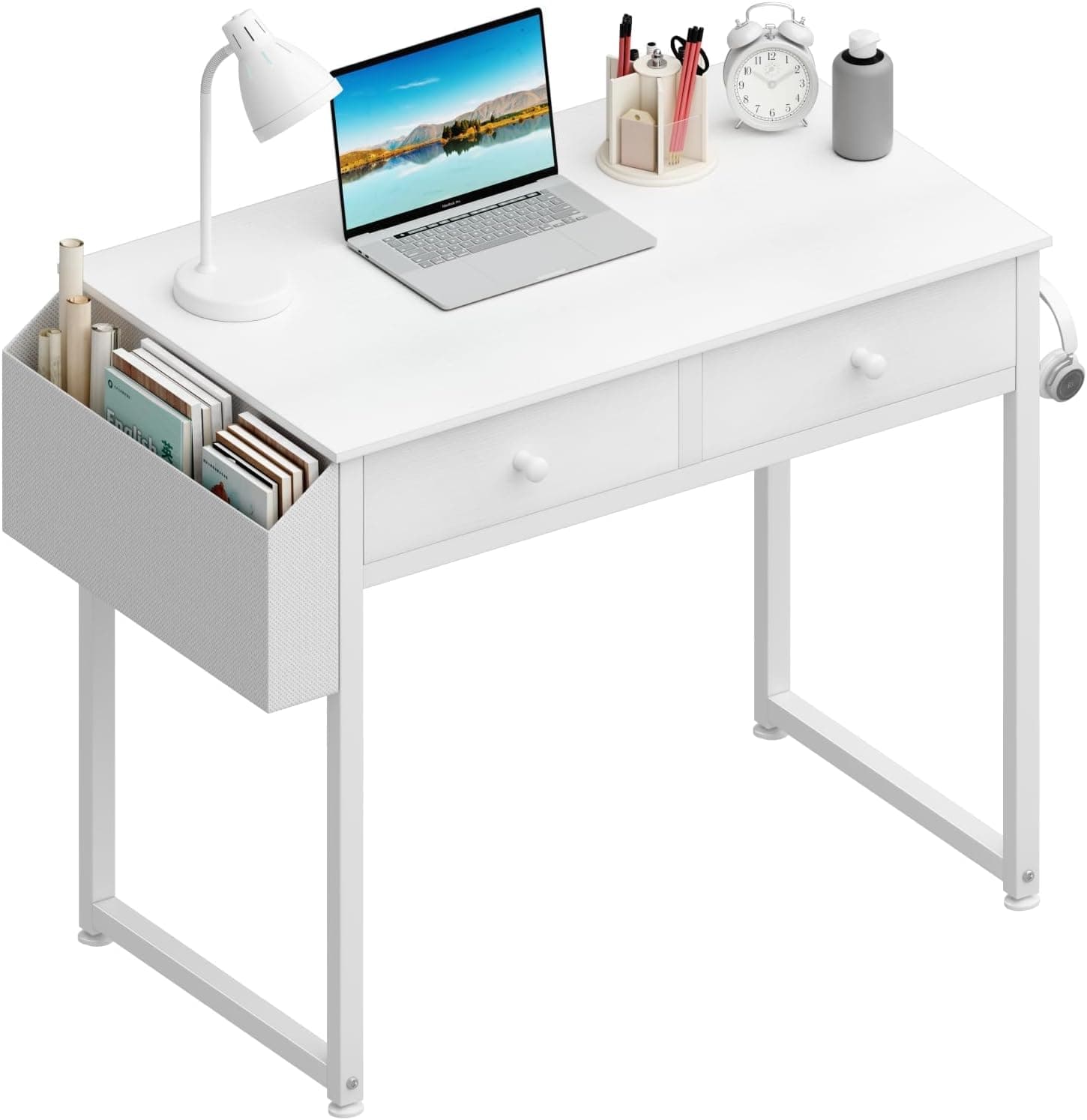 If you need a permanent zone
A compact dedicated desk for apartments that need a permanent work zone without claiming a whole room — drawers hide the nightly clutter a dining table cannot.
Best for: Full-time remote workers who share the only table with meals.
- +Footprint fits bedrooms and studio corners
- +Drawers reduce the urge to leave gear on the dining surface
- +Standard seated height for external keyboard setups
- −Not a standing desk
- −Shallow depth still needs careful monitor placement
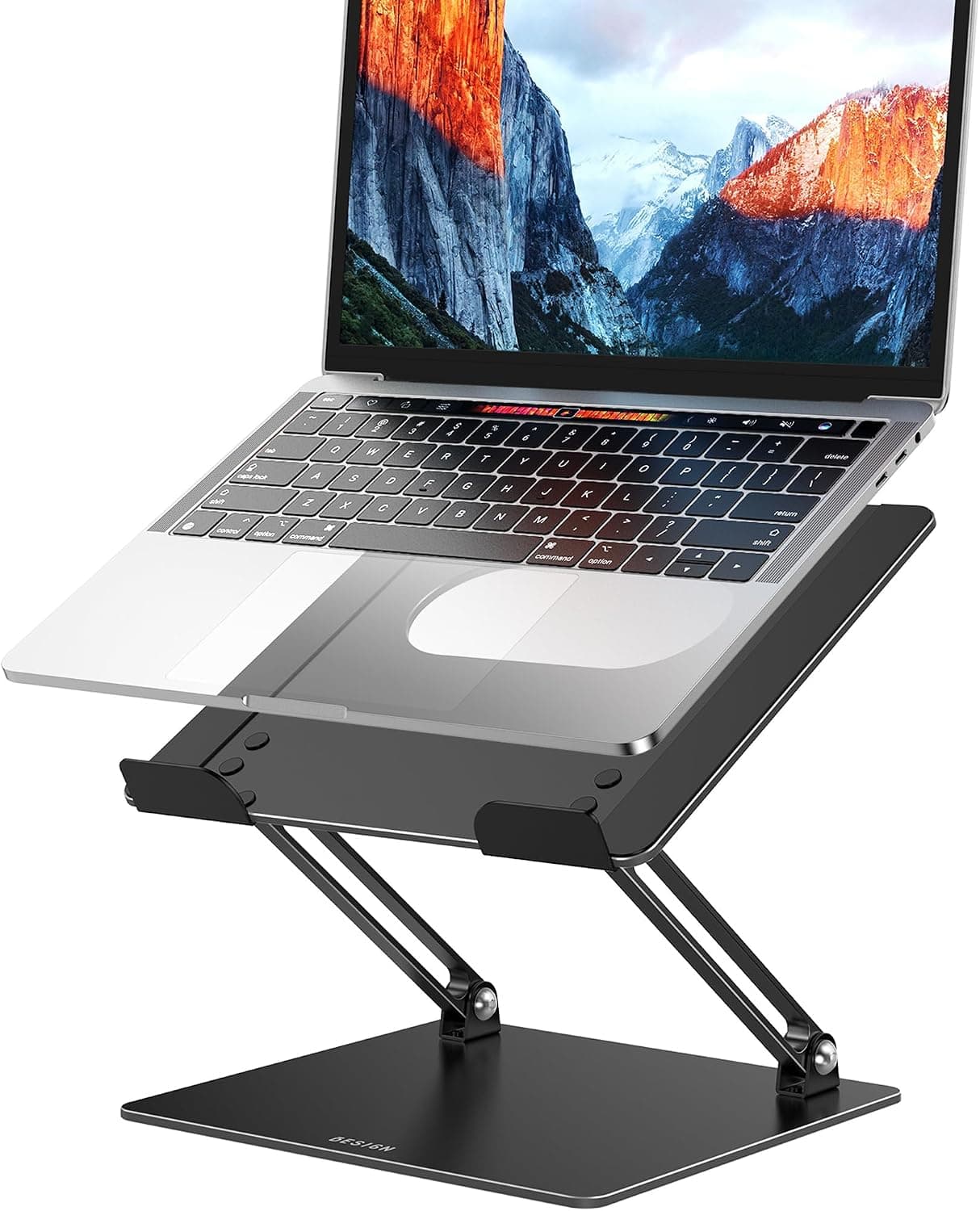 If you stay on the table for now
If you stay on the dining table short-term, a laptop stand plus external keyboard is the cheapest way to fix neck angle without buying furniture yet.
Best for: People testing whether dining-table WFH is temporary or permanent.
- +Raises the screen without a full desk purchase
- +Packs away when dinner starts
- +Cheap experiment before furniture spend
- −Does not solve meal conflict or cable permanence
- −Still leaves you on a table height that may be wrong for elbows
The verdict
Use the dining table only while work is light and teardown is painless. Once weekday hours, docks, or evening conflict stack up, a compact dedicated desk is the fix — not another temporary accessory. A laptop stand is the right bridge if you are still deciding.
FAQ
Can I WFH full-time on a dining table forever?+
Some people do, especially with a laptop stand, external keyboard, and strict teardown habits. Full-time roles with heavy docking and dual monitors usually outgrow the table within months.
Is a folding desk better than claiming the dining table?+
Only if you will actually fold it. If the fold ritual fails after two weeks, buy a small fixed desk instead of a folding unit that becomes permanent clutter.
What size desk replaces a dining table in a studio?+
Often 40–48 inches / 100–122 cm wide and about 20–24 inches / 51–61 cm deep. Measure the walkway behind the chair first — clearance matters more than matching the old table width.
Related guides
Keep reading


Published 2026-11-17