Comparison · 3 min read
One monitor vs two on a small apartment desk
Dual monitors look productive — until neck twist and depth kill the gain. How to choose a single panel, an ultrawide, or a true dual setup on tight desks.

Decide with the comparison first. Product links only illustrate the formats — they are optional. How we research.
Product examples illustrate formats. Desk width and depth decide the layout.
Dual is a layout problem, not a flex
Two monitors help when workflows are truly parallel: code and docs, trading and chat, design and reference. They hurt when the desk is so narrow that each panel sits 30 degrees off-center and your neck becomes the hinge.
Measure desk width at the monitor line and the distance from your eyes to the center point. If centering two panels forces constant turning, one larger panel or an ultrawide is usually better.
Width and depth thresholds
Under about 48 inches / 122 cm of usable width, start with one 27″ class panel. Dual 24s often fit physically but fail ergonomically.
Depth under 22 inches / 56 cm strongly favors arms over dual freestanding bases. Two bases can erase the keyboard zone entirely.
Leave walkway clearance behind the chair. Dual setups that push you into a wall create shoulder tension that cancels the productivity story.
When one monitor is enough
One panel wins for writing, most coding with virtual desktops, and call-heavy days. Virtual desktops and window snapping are free compared to a second SKU.
If your pain is text size, raise resolution scaling and viewing distance before adding pixels via a second screen.
When dual (or ultrawide) is justified
Dual helps when you must see two full pages without alt-tab during live work — support tooling, research synthesis, or monitoring dashboards.
Ultrawide can replace dual for many people if the desk can center a single wide panel. It fails if the curve or size puts corners out of focus on a short viewing distance.
Match GPU/port capability. Two 4K panels on a limited USB-C laptop is a handshake nightmare waiting for the return window.
Who should skip dual monitors
Skip dual if width fails, if you tear down nightly, or if you have not mastered one external panel yet.
Skip ultrawide if you sit closer than about an arm’s length and already get eye strain on large TVs — scale down, do not scale out.
Side-by-side comparison
| Feature | One 27″ panel | Two 24″ panels | Ultrawide (approx 34″) |
|---|---|---|---|
| Typical desk width need | Moderate | High | High but one mount |
| Neck movement | Low | Higher if angled poorly | Lower if centered |
| Cable complexity | Low | Higher | Medium |
| Best if you… | Want simplicity on shallow desks | Need strict side-by-side apps | Want space without two bezels |
If you already know which format fits
Optional examples that illustrate the criteria above — not a mandatory shopping list. Skip any pick that fails desk depth, budget, noise, or return logistics.
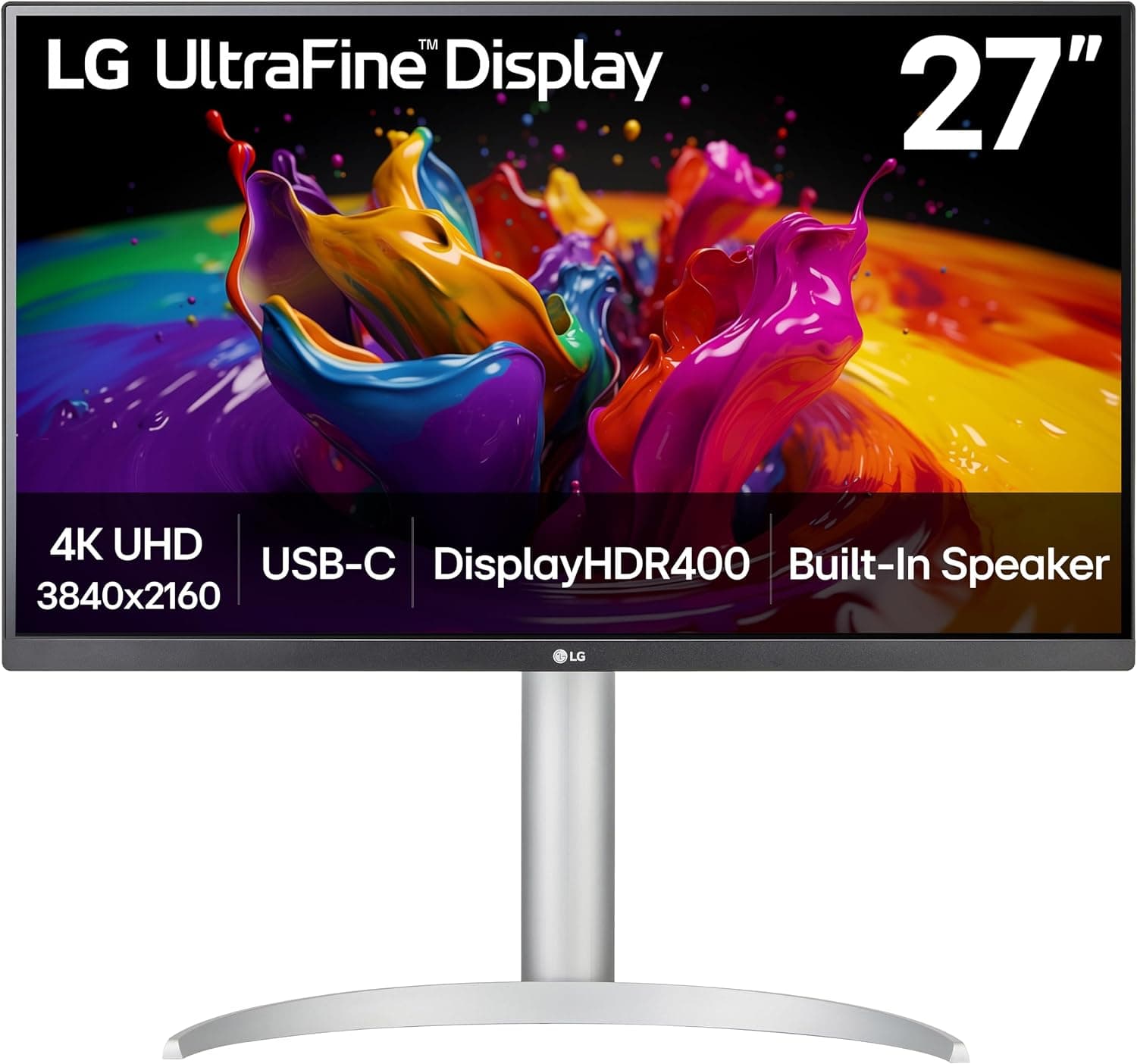 Default for most small desks
A strong default when one excellent panel beats two compromised ones — common on desks under 48 inches / 122 cm wide.
Best for: Small desks that can fit one panel at eye level with an arm or careful base placement.
- +One cable path on supported laptops
- +Less neck twist than wide dual setups
- +Easier cable and arm planning
- −Less native side-by-side space than dual 24s
- −Still needs depth planning
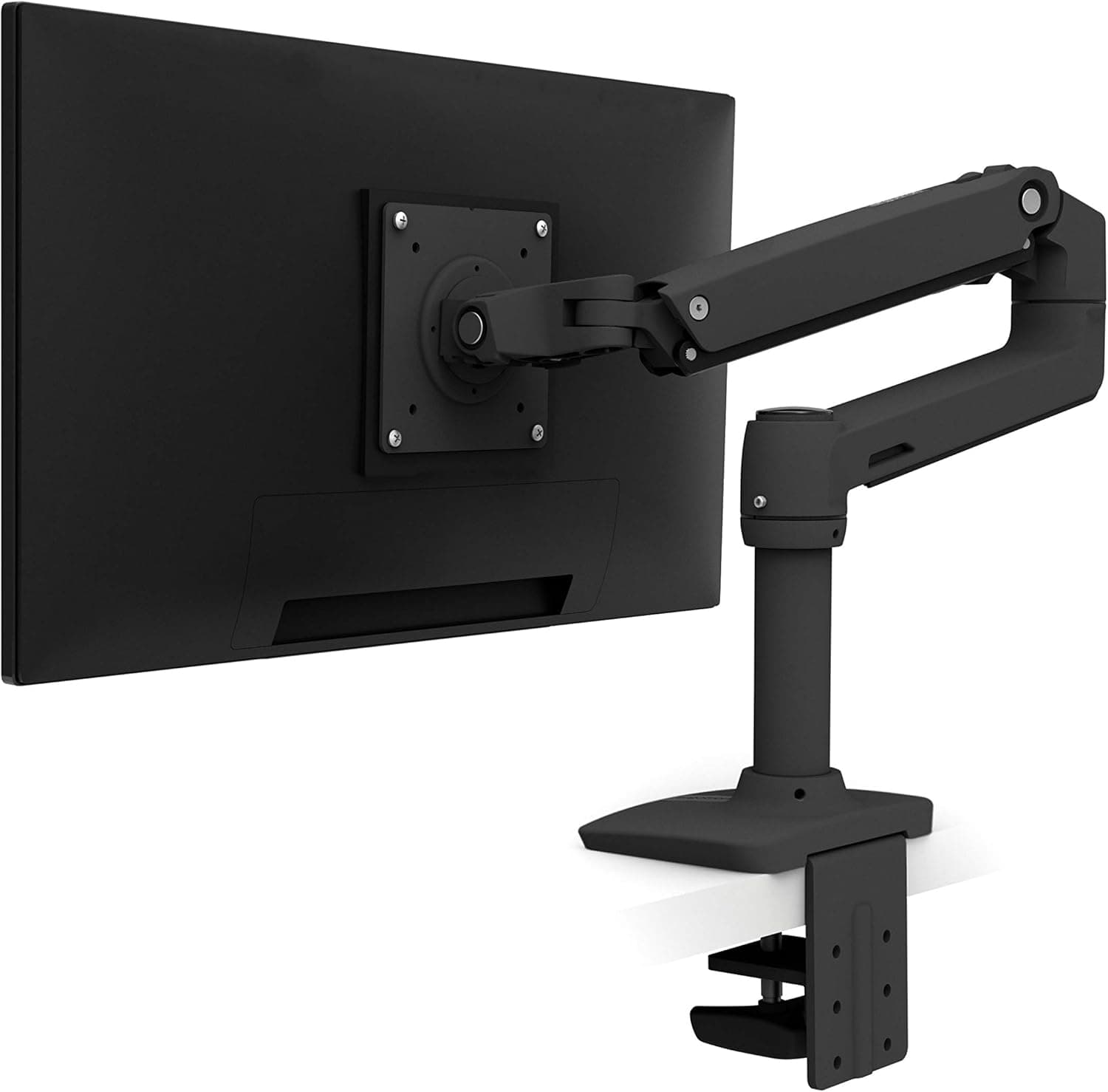 If depth is the bottleneck
If you choose one panel, an arm recovers depth and helps center the screen — dual arms can wait until width is proven.
Best for: Single-monitor users on shallow desks with VESA-ready panels.
- +Frees surface for keyboard and notebook
- +Lets you square the panel to your seat
- +Scales later if you add a second arm carefully
- −Premium vs budget arms
- −Requires VESA and solid edge thickness
The verdict
Most small apartment desks should master one well-placed monitor first. Add a second panel only when width, depth, and workflow truly need parallel views — otherwise you buy neck twist.
FAQ
Portrait second monitor — good on small desks?+
Sometimes for chat or code. It still needs width and a solid arm. Do not force portrait if it blocks a walkway or window crank.
Laptop + one monitor counts as dual?+
Yes functionally. Decide whether the laptop lid stays open; open-lid dual needs more depth than clamshell + one panel.
What bezel gap is acceptable?+
Thin bezels help but will not fix a bad angle. Prioritize centering and distance over chasing the thinnest plastic.
Related guides
Keep reading


Published 2026-11-17