Comparison · 4 min read
Laptop-only vs external monitor for full-time remote work
When the laptop screen is enough — and when a second panel stops neck pain, tab chaos, and bad Zoom posture on apartment desks.

Decide with the comparison first. Product links only illustrate the formats — they are optional. How we research.
Example products are optional. Decide from hours, desk depth, and port limits first.
Hours and tasks beat screen marketing
An external monitor helps when you spend long blocks reading, comparing documents, or coding at one seat. It helps less when your day is meetings on the sofa and email on the couch.
Count focused desk hours in a normal week. Under about three hours at a fixed seat, laptop-only with a stand is often rational. Over six hours most weekdays, looking down at a lid becomes a posture tax.
Desk depth decides the form factor
A 24–27″ monitor on its stock stand can consume 8–10 inches / 20–25 cm of depth. On a 20-inch / 51 cm apartment desk, that leaves little room for keyboard and notebook.
If depth is tight, plan a monitor arm or a laptop-as-second-screen vertical stack — not a giant freestanding base. Measure usable depth before you fall for a panel on sale.
USB-C single-cable monitors reduce dongle clutter but still need a clear path for the cable when the desk rises or the laptop leaves for meetings.
When laptop-only is the right system
Stay laptop-only if you change seats daily, share a dining table that must clear nightly, or your bag is part of the job. A docked monitor that never travels becomes guilt furniture.
Also stay laptop-only if your work is mostly video calls with light notes. A second panel will not fix a bad camera angle or a noisy kitchen behind you.
Mitigation path: laptop stand + external keyboard/mouse + strict brightness/night-shift habits. That trio fixes many "I need a monitor" complaints that are really neck-angle problems.
When one external panel pays off
Add a monitor when you regularly split reference and active windows, when spreadsheet columns force tiny zoom, or when laptop heat/fan noise spikes from driving the lid hard all day.
Prefer one good panel over two mediocre ones on small desks. Dual monitors on a 42-inch / 107 cm width often force neck twist that cancels the productivity gain.
Commit to eye-level placement. A monitor still looking down is just a brighter laptop lid with a larger return risk.
Ports, power, and sleep/wake reality
Check whether your laptop can drive the resolution you want over the cable you own. Some USB-C ports are data-only; some charge slowly when driving 4K.
Test sleep/wake for a week inside the return window. Flaky handshake bugs waste more time than a slightly smaller panel.
If you already own a hub that drops displays on wake, fix the hub/cable path before blaming the monitor brand.
Who should skip a monitor purchase this month
Skip if your desk depth fails the tape measure, if you move within 60 days, or if you have not tried a laptop stand and external keyboard for two full workweeks.
Skip dual monitors until one external panel proves the desk can hold cables, arms, and posture without nightly teardown.
Side-by-side comparison
| Feature | Laptop only | Laptop + external monitor |
|---|---|---|
| Desk depth needed | Low — lid is the screen | Higher — base or arm needs clearance |
| Neck posture | Often looking down | Easier to hit eye-level with a stand/arm |
| Port / dock demand | Minimal | Needs HDMI/USB-C plan |
| Tear-down speed | Fast for dining tables | Slower unless dock stays put |
| Best if you… | Travel or hot-desk weekly | Work 6+ hours at one home seat |
If you already know which format fits
Optional examples that illustrate the criteria above — not a mandatory shopping list. Skip any pick that fails desk depth, budget, noise, or return logistics.
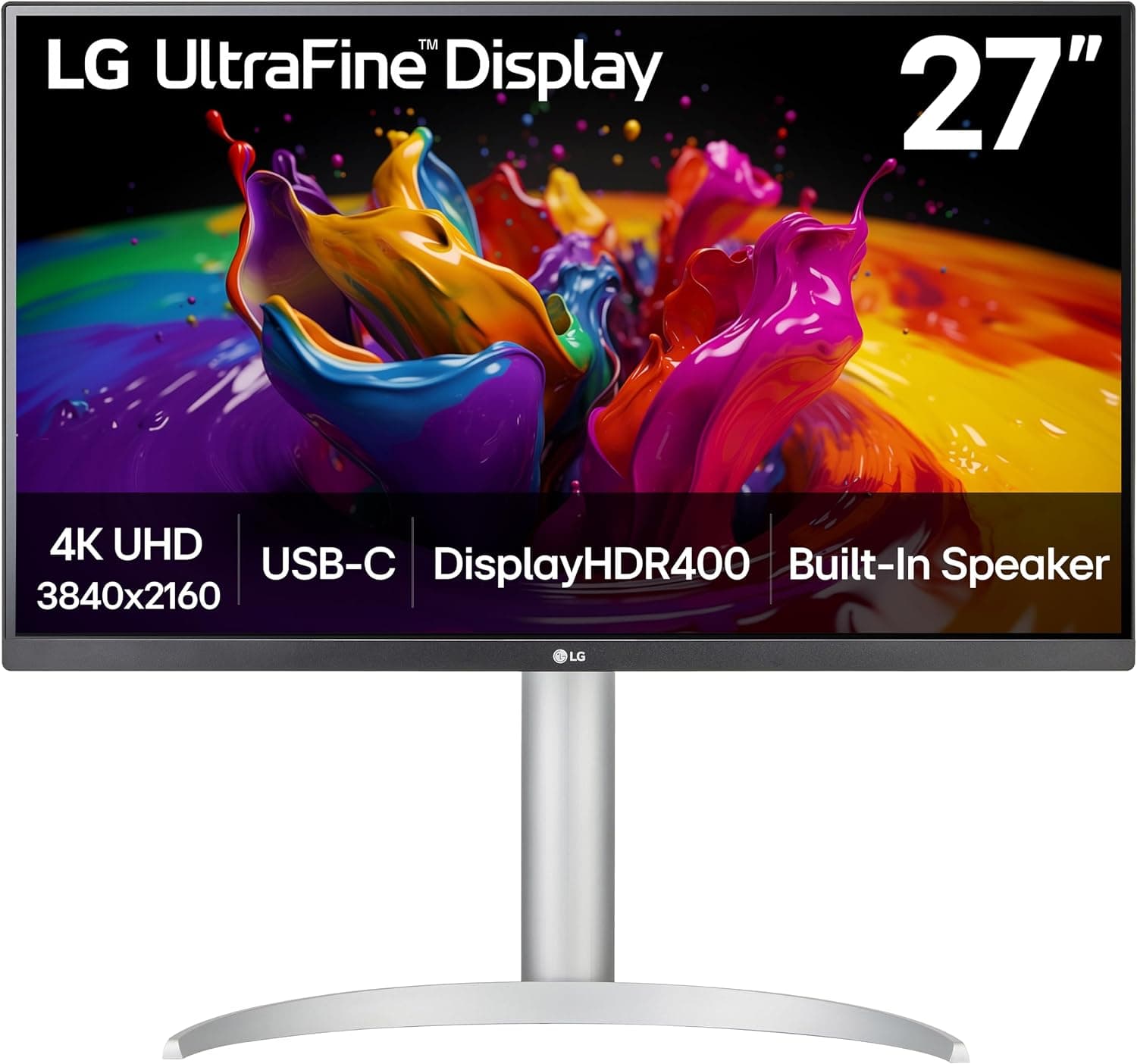 If you commit to one external panel
A single USB-C cable monitor for MacBook/Windows laptops that need eye-level viewing without a messy dongle tree — only after desk depth and port power are confirmed.
Best for: Full-time WFH with a stable desk and one good upstream USB-C/Thunderbolt port.
- +USB-C can simplify charging + video on supported laptops
- +27″ is readable without dominating every apartment wall
- +Raises the visual target above a flat laptop lid
- −Needs depth or an arm plan on shallow desks
- −Overkill if you only work two hours a day
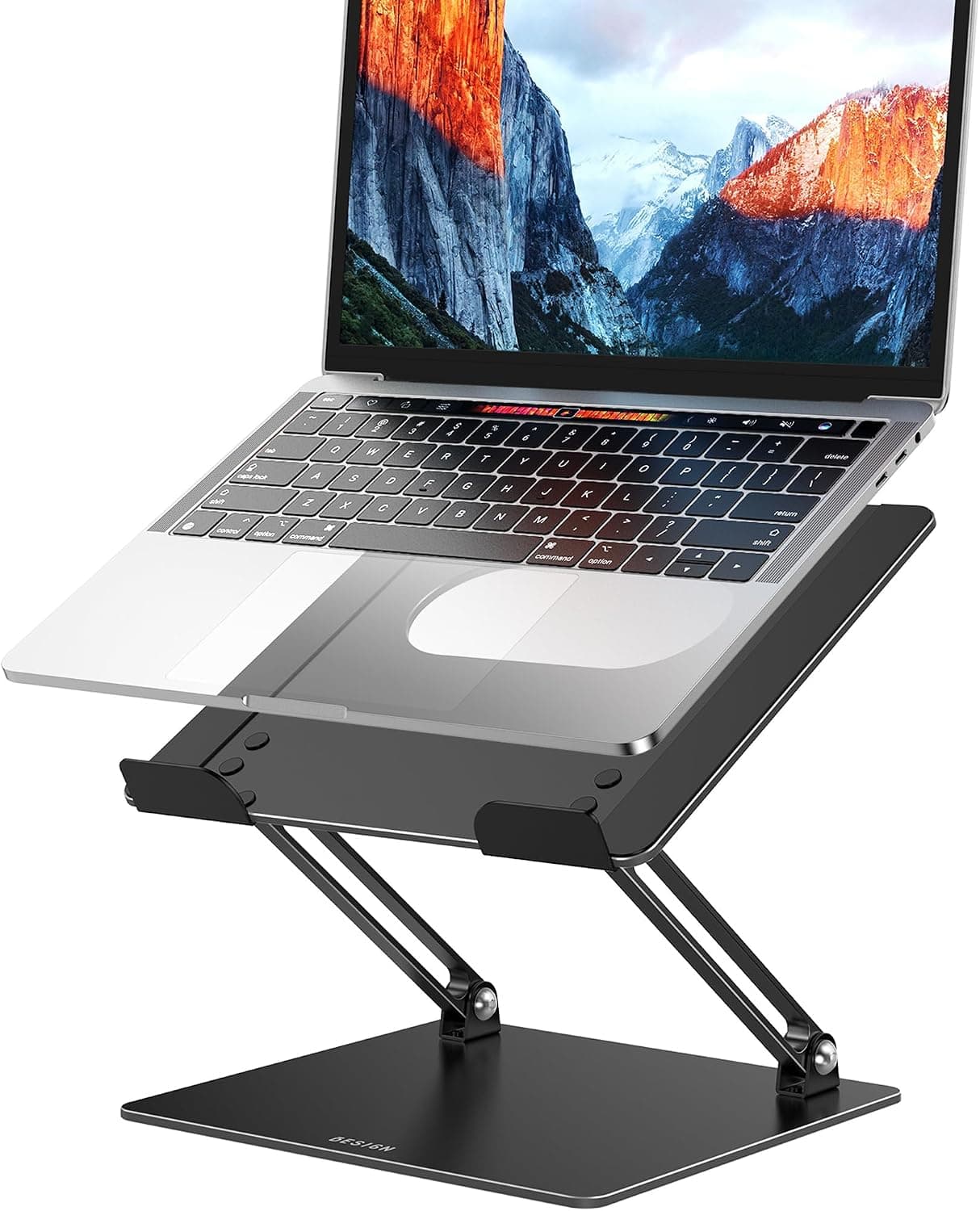 If you stay laptop-only for now
, raise the lid and add an external keyboard — cheaper than a monitor while you test whether hours justify a panel.
Best for: People still deciding, or desks too shallow for a 27″ base.
- +Fixes the worst laptop neck angle quickly
- +Packs away on dining-table setups
- +Low-cost experiment before monitor spend
- −Does not add pixels for spreadsheets or design
- −Still one screen for multitasking
The verdict
Stay laptop-only with a stand if your hours are light or your desk moves. Add one external monitor when weekday desk time is long and depth/ports clear the checklist — dual panels can wait.
FAQ
Is a portable USB monitor better for apartments?+
It helps travelers and temporary desks. For a permanent seat, a standard IPS panel on an arm usually feels better and costs less per hour of comfort.
Can I use a TV as a monitor?+
Only if text clarity, input lag, and desk distance work. Many TVs are too large and too soft for all-day documents on a shallow desk.
Should the laptop lid stay open with an external monitor?+
Either works. Closed-lid (clamshell) needs reliable power and cooling. Open-lid as a second screen needs extra depth — measure first.
Related guides
Keep reading


Published 2026-11-17